CSS3實現點擊放大的動畫實例代碼
編輯:關於CSS
前言
最近在工作中遇到一個需求,實現的效果是當點擊商品圖片右上的收藏按鈕觸發放大動畫,後來通過查找相關的資料,發現利用css3:@keyframes animation即可實現這個效果,下面來看看詳細的介紹吧。
技術重點css3: @keyframes animation
示例代碼
<!DOCTYPE html>
<head>
       <style type="text/css">
        @keyframes myfirst {
            0% {
                width: 50px;
                height: 50px;
                top: 10px;
                right: 10px;
            }
            75% {
                width: 60px;
                height: 60px;
                top: 5px;
                right: 5px;
            }
            100% {
                width: 50px;
                height: 50px;
                top: 10px;
                right: 10px;
            }
        }
        .warp {
            width: 400px;
            height: 300px;
            position: relative;
            background: #ccc;
        }
        .btn {
            position: absolute;
            width: 50px;
            height: 50px;
            border:solid 3px #cc3c24;
            top: 10px;
            right: 10px;
            border-radius: 8px;
            cursor: pointer;
        }
        .btn.cur{
            animation: myfirst 0.2s;
        }
        .btn.yes{
            background: #cc3c24;
        }
    </style>
</head>
<body>
<div class="warp">
    <div class="btn"></div>
</div>
<script src="http://liuxiaofan.com/demo/js/jquery-2.1.4.min.js"></script>
<script>
   var btn = $('.btn');
    btn.click(function () {
        if( $(this).is('.yes')){
            $(this).removeClass('yes');
            $(this).removeClass('cur');
        }else{
            $(this).addClass('yes');
            $(this).addClass('cur');
        }
    });
    btn.on('webkitAnimationEnd', function () {
        $(this).removeClass('cur');
    });
</script>
</body>
</html>
效果圖如下:
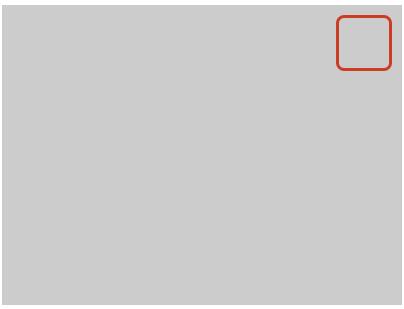

總結
以上就是這篇文章的全部內容了,希望本文的內容對大家的學習或者工作能帶來一定的幫助,如果有疑問大家可以留言交流,謝謝大家對的支持。
小編推薦
熱門推薦