HTML5 Canvas 漸層填色與透明遮罩效果
編輯:HTML5詳解
線性漸層
Canvas 支援線性與徑向漸層。線性漸層由兩個點決定方向:
const gradient = ctx.createLinearGradient(x1, y1, x2, y2);
gradient.addColorStop(0, 'rgba(255, 0, 0, 1)');
gradient.addColorStop(1, 'rgba(255, 255, 0, 1)');
ctx.fillStyle = gradient;
ctx.fillRect(0, 0, 300, 300);
垂直方向:
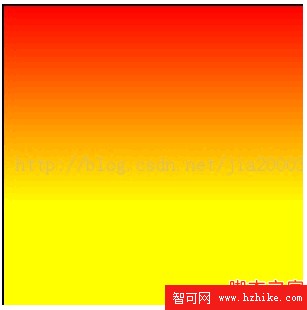
水平方向:
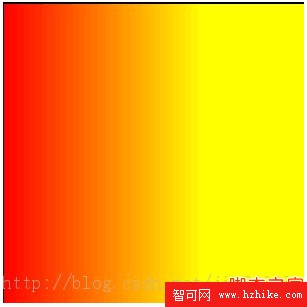
同時改變 X 與 Y:
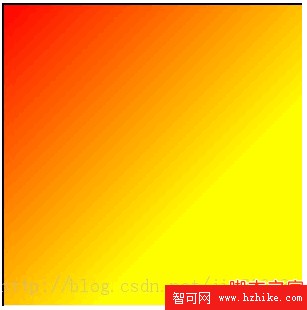
透明度
Canvas 可透過 globalAlpha 設定全域透明度,也可在顏色值中使用 alpha 通道:
ctx.globalAlpha = 0.5;
ctx.fillRect(50, 50, 75, 50);

ctx.fillStyle = 'rgba(225, 225, 225, 0.5)';
ctx.fillRect(50, 50, 75, 50);
漸層與透明遮罩
將徑向漸層與透明度結合,可以做出圖像 Mask 效果:

const radial = ctx.createRadialGradient(
  canvas.width / 2, canvas.height / 2, 10,
  canvas.width / 2, canvas.height / 2, 200
);
radial.addColorStop(0, 'rgba(247, 247, 247, 0)');
radial.addColorStop(1, 'rgba(238, 238, 238, 1)');
ctx.fillStyle = radial;
ctx.fill();