JQuery控制圖片由中心點逐漸放大效果
編輯:關於JavaScript
有的時候我們需要做一個當鼠標放置在圖片上的時候,希望圖片逐漸變大,即圖片的width和height逐漸變大,但是此時,其left值與top值沒有改變,故看似不是從中心點進行縮放的。如下圖:
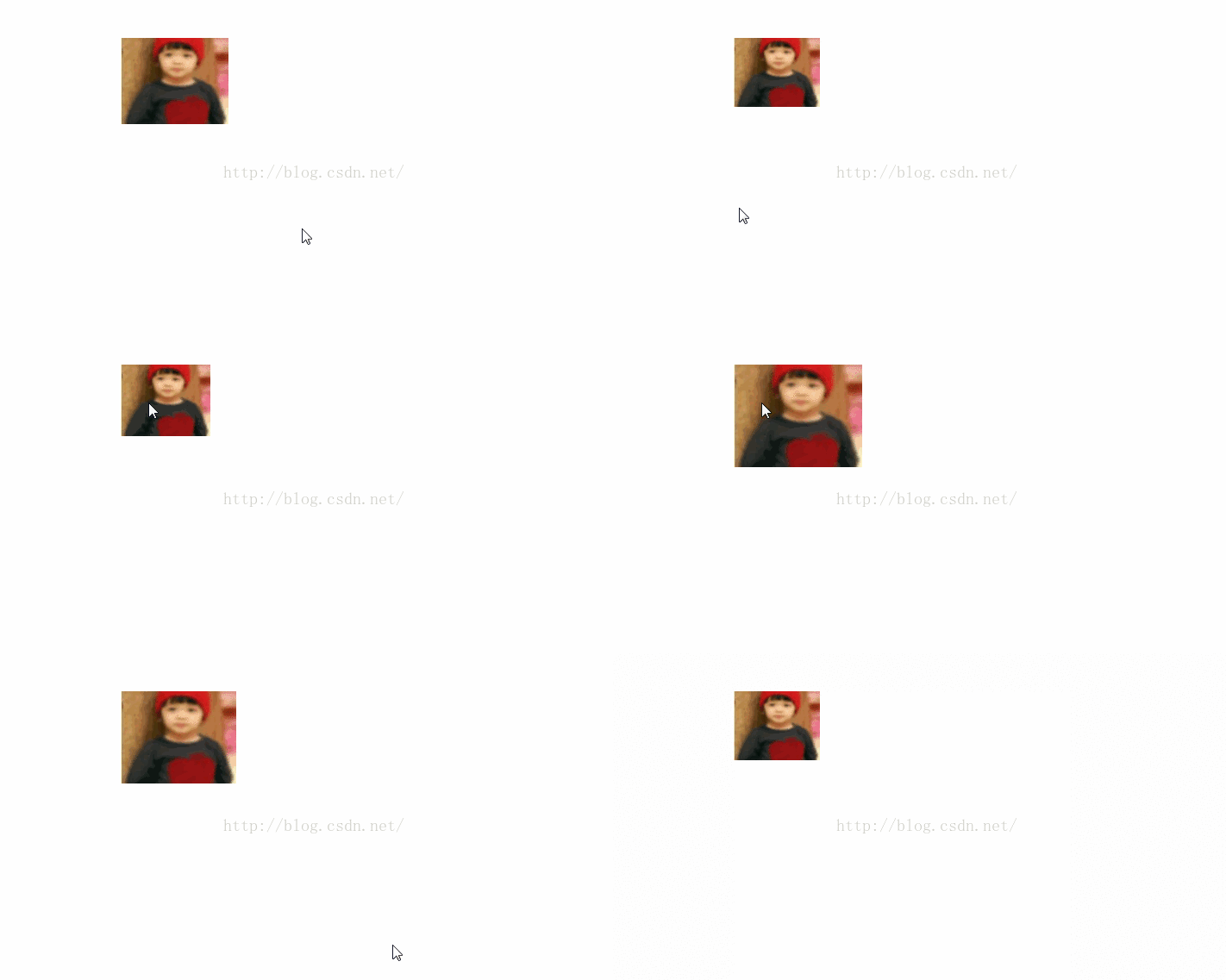
從中心點進行縮放
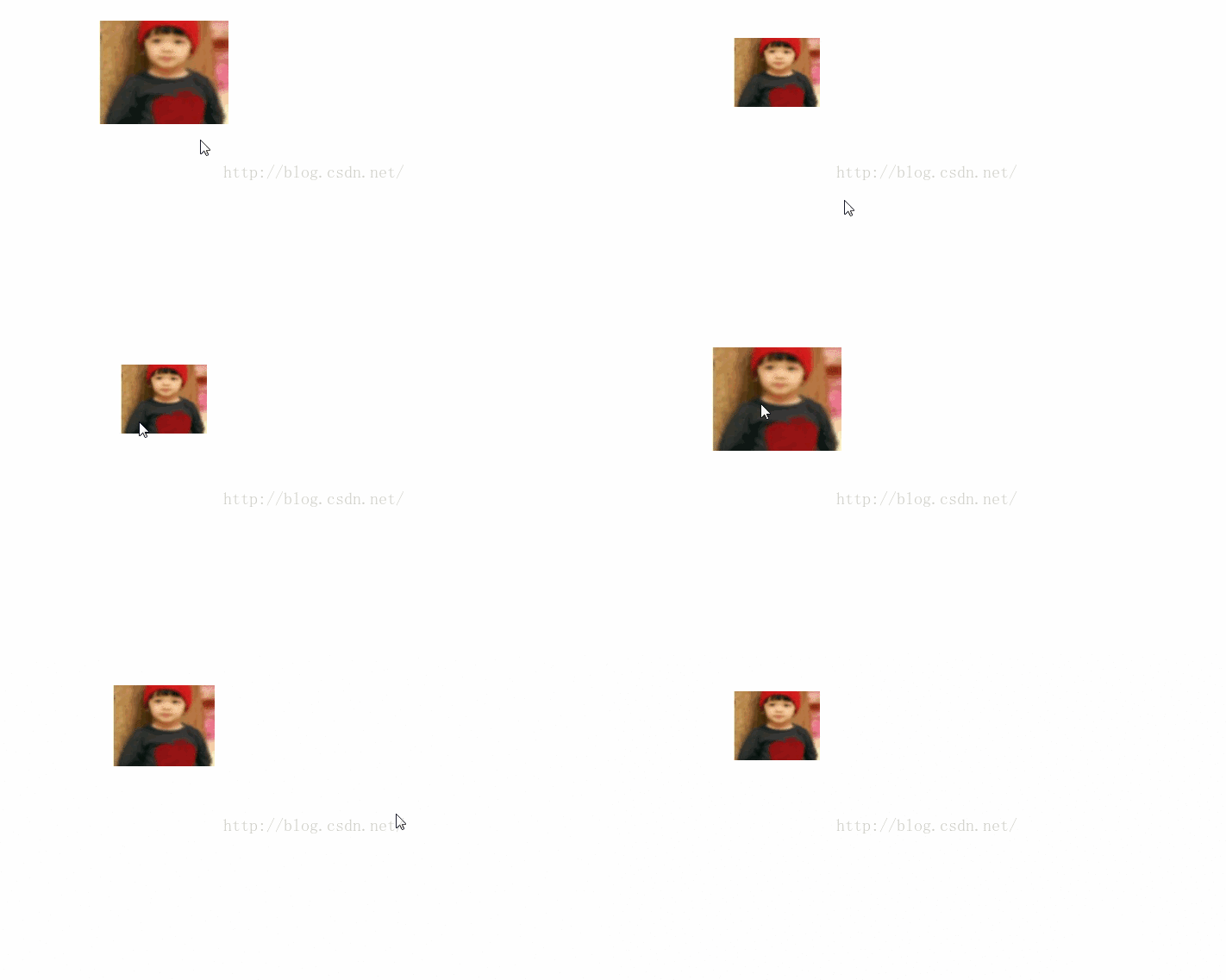
實現代碼如下:
<meta charset="utf-8">
<style type="text/css">
#div1{ width:600px; height:400px; margin:50px auto; position:relative; text-align: center; padding-left:50px;}
#div1 img{ position:absolute; left:0; top:0; margin: 0 auto;}
</style>
<div id="div1">
<img src="images/1.jpg" width="100px" height="80px">
</div>
<script type="text/javascript" src="js/jquery-1.7.1.min.js"></script>
<script type="text/javascript">
$(function(){
$('#div1 img').mouseenter(function(){
var wValue=1.5 * $(this).width();
var hValue=1.5 * $(this).height();
$(this).animate({width: wValue,
height: hValue,
left:("-"+(0.5 * $(this).width())/2),
top:("-"+(0.5 * $(this).height())/2)}, 1000);
}).mouseleave(function(){
$(this).animate({width: "100",
height: "80",
left:"0px",
top:"0px"}, 1000 );
});
});
</script>
以上所述是小編給大家介紹的JQuery控制圖片由中心點逐漸放大效果的相關知識,希望對大家有所幫助,如果大家想了解更多內容敬請關注百度網站!
小編推薦
熱門推薦