DIV+CSS佈局教程網 >> 網頁腳本 >> JavaScript入門知識 >> JavaScript基礎知識 >> JS組件系列——還記得那些年玩過的游戲機嗎?(SlotMachine組件簡易實現)
JS組件系列——還記得那些年玩過的游戲機嗎?(SlotMachine組件簡易實現)
編輯:JavaScript基礎知識
前言:前兩天在網上找組件,無意中發現了我們兒時游戲機效果的“SlotMachine組件”,浏覽一遍下來,勾起了博主小時候滿滿的回憶。於是下定決定要研究下這麼一個東西,不得不再次歎息開源社區的強大,原來這些組件已經被封裝得這麼好了,使用起來如此簡單。下面就讓博主帶著大家來看看這麼一個神奇的組件——SlotMachine吧。
一、組件預覽
先來一發簡單的效果壓壓驚
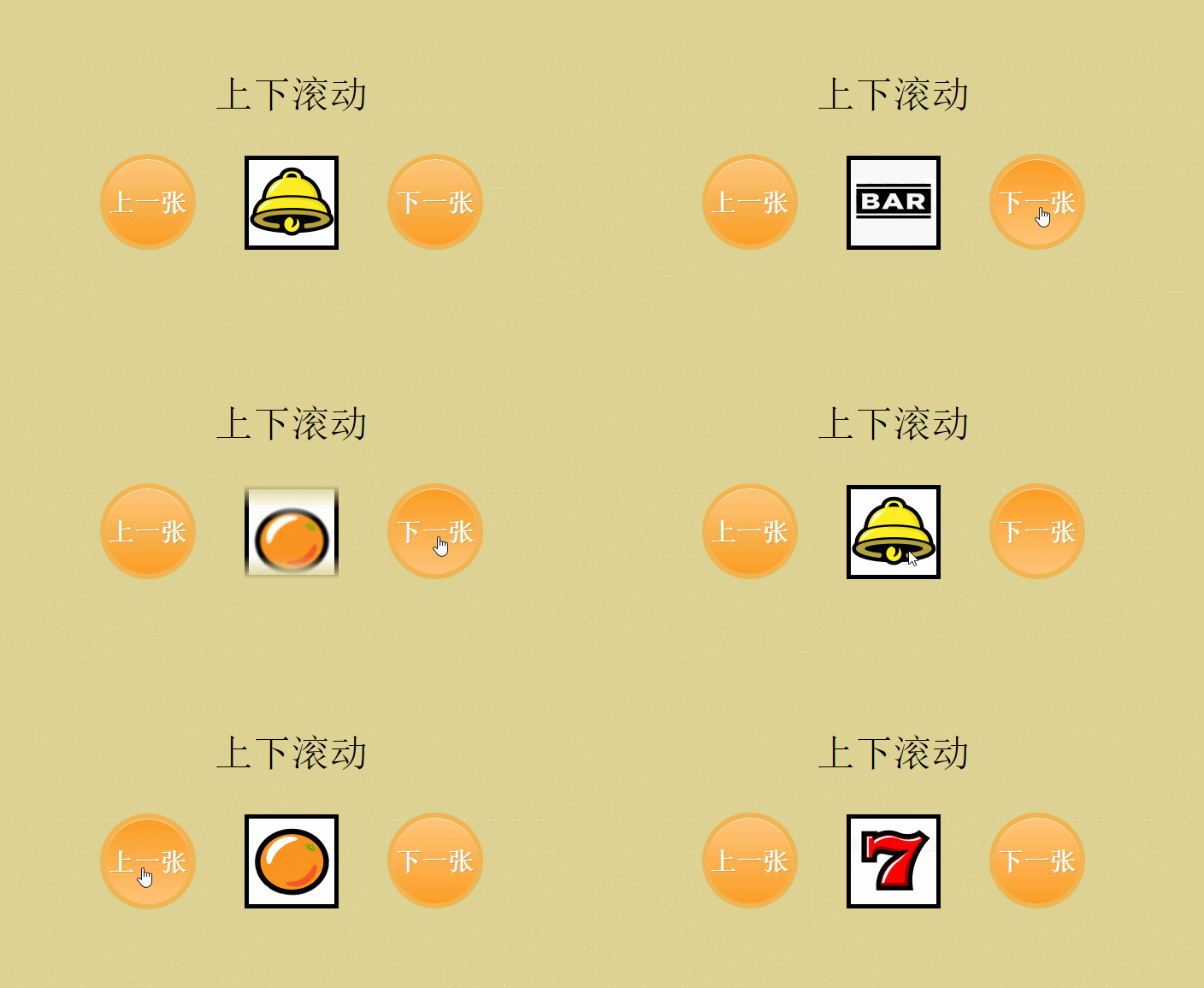
覺得太簡單?別急,好戲在後頭,試試手氣先。

什麼?還沒達到想要的效果,好!下面,真實效果來一發。
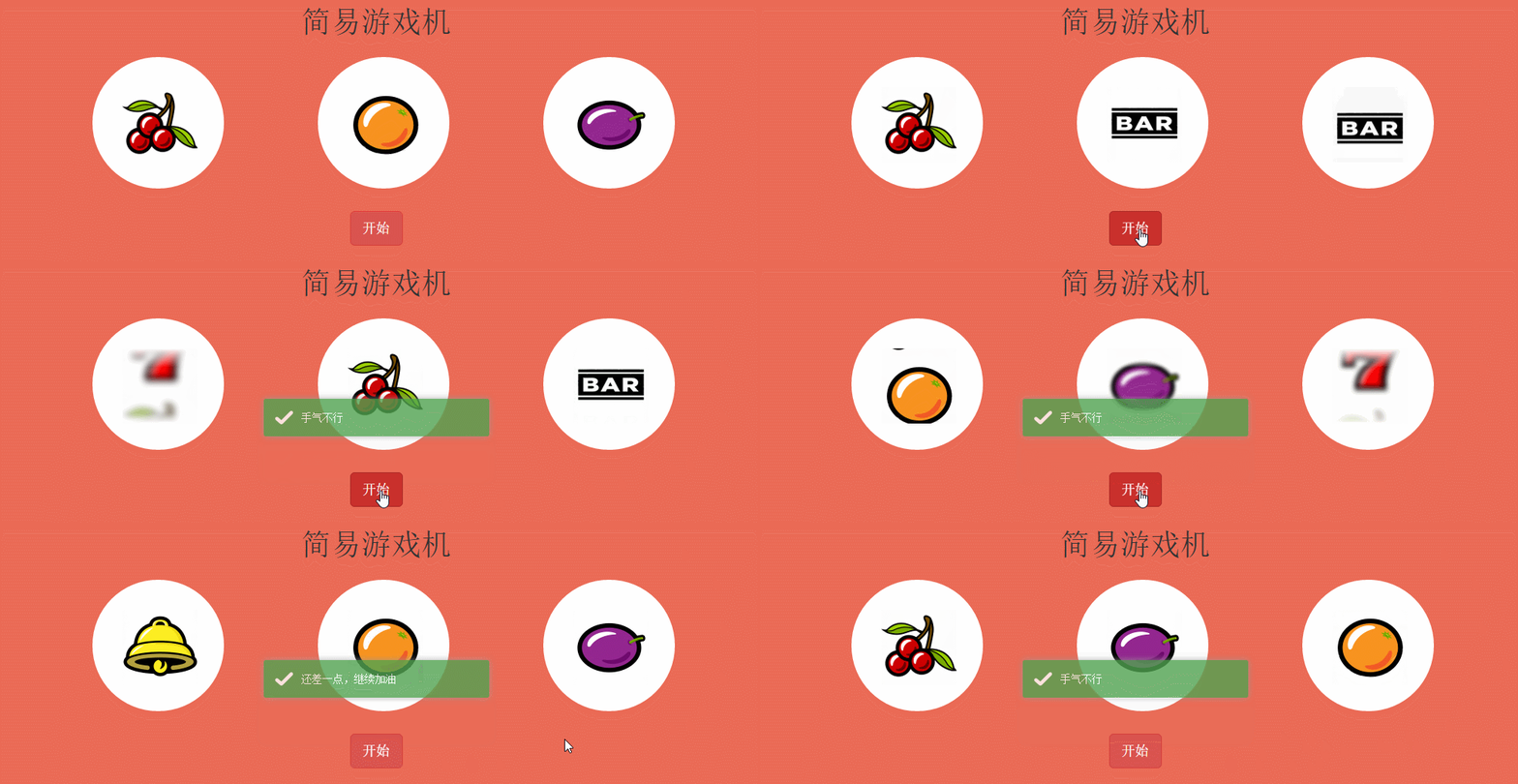
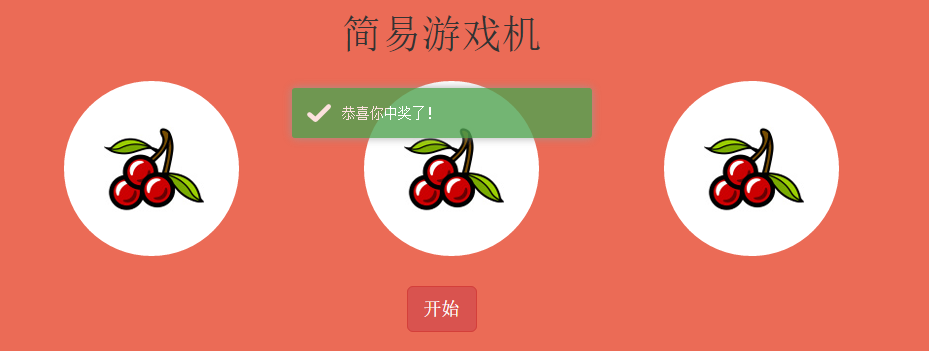
博主點擊了好長時間,都沒有中獎,難怪小時候怎麼都贏不了呢。博主不信邪,繼續點擊開始,終於有一次中獎的了,真心不容易。
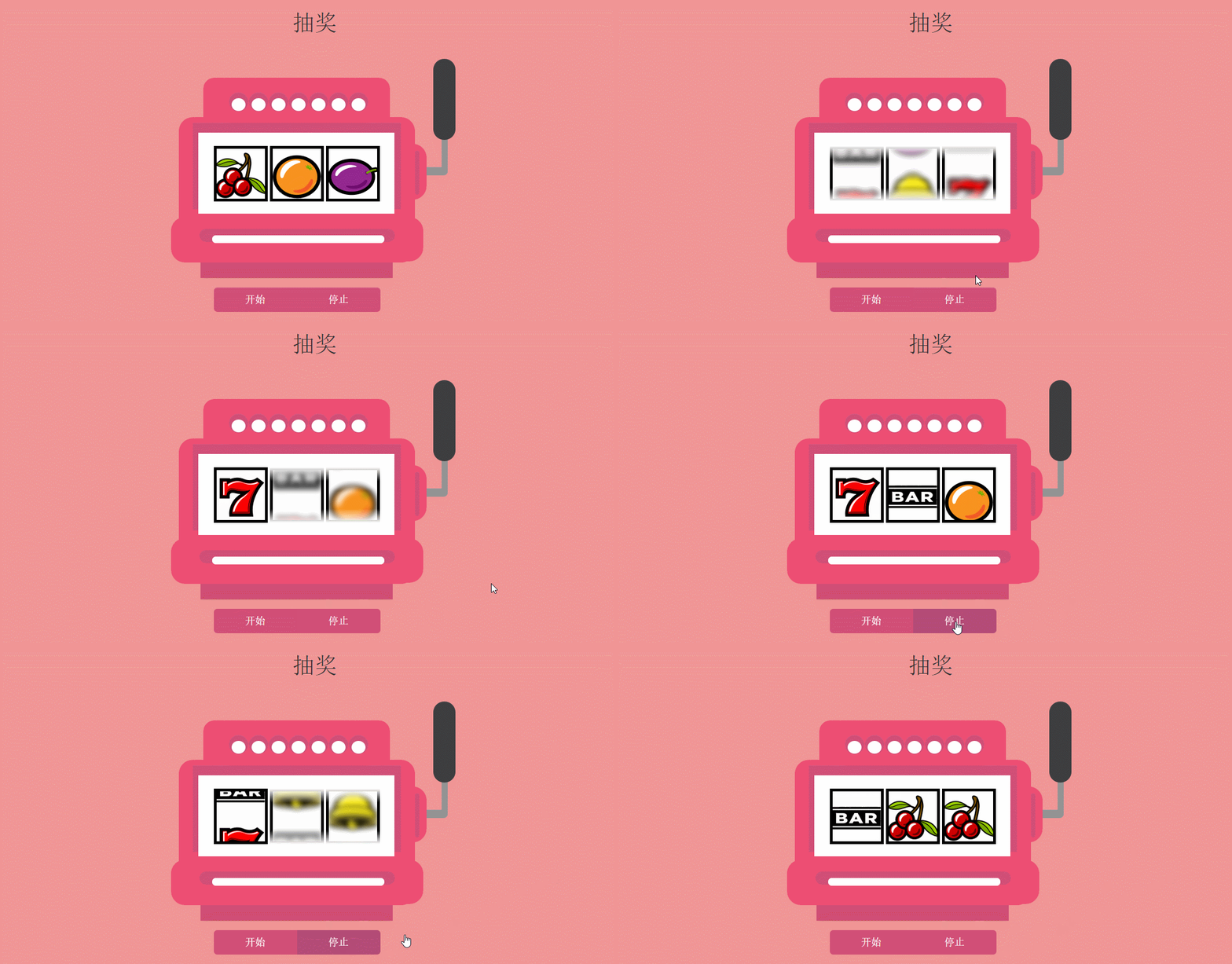
還有我們年終抽獎效果,開始!停止!
二、代碼示例
既然是js組件,肯定是先要下載組件庫。首先貼上 開源地址
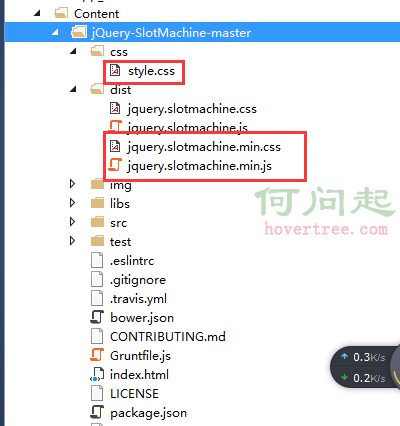
然後來看看文件的引用:
   <link rel="stylesheet" href="https://maxcdn.bootstrapcdn.com/bootstrap/3.3.6/css/bootstrap.min.css" integrity="sha384-1q8mTJOASx8j1Au+a5WDVnPi2lkFfwwEAa8hDDdjZlpLegxhjVME1fgjWPGmkzs7" crossorigin="anonymous">
    <link href="~/Content/jQuery-SlotMachine-master/dist/jquery.slotmachine.css" rel="stylesheet" />
    <link href="~/Content/jQuery-SlotMachine-master/css/style.css" rel="stylesheet" />
    <link href="~/Content/toastr/toastr.min.css" rel="stylesheet" />

    <script type="text/javascript" src="//code.jquery.com/jquery-2.1.1.min.js"></script>
    <script src="https://maxcdn.bootstrapcdn.com/bootstrap/3.3.6/js/bootstrap.min.js" integrity="sha384-0mSbJDEHialfmuBBQP6A4Qrprq5OVfW37PRR3j5ELqxss1yVqOtnepnHVP9aJ7xS" crossorigin="anonymous"></script>
    <script src="~/Content/jQuery-SlotMachine-master/dist/jquery.slotmachine.js"></script>
    <script src="~/Content/toastr/toastr.min.js"></script>
這裡需要注意幾點:
- 引用jquery和bootstrap都是通過cdn加速的方式引用的,不懂cdn加速的可以百度。
- Jquery組件必須,並且組件需要Jquery 2.0以上版本的支持,版本太低會有js異常。
- bootstrap組件並非必須,但是本篇布局需要部分bootstrap的樣式支持。
- toastr組件並非必須,此處用於顯示中獎的結果。
1、試試手氣效果代碼
html部分
<div id="triky">
        <div class="content" style="text-align: center">
            <h1>請選擇你想吃的食物</h1>

            <div class="row">
                <div style="margin: auto;">
                    <div id="triky1">
                        <div>
                            <img src="/Content/jQuery-SlotMachine-master/img/cookie.png" />
                        </div>
                        <div>
                            <img src="/Content/jQuery-SlotMachine-master/img/food1.jpg" />
                        </div>
                        <div>
                            <img src="/Content/jQuery-SlotMachine-master/img/food2.jpg" />
                        </div>
                        <div>
                            <img src="/Content/jQuery-SlotMachine-master/img/food3.jpg" />
                        </div>
                    </div>
                    <div>
                        <div class="btn-group btn-group-justified btn-group-triky" style="margin-left:-15px" role="group">
                            <div id="trikyShuffle" type="button" class="btn btn-primary btn-lg">試試手氣</div>
                        </div>
                    </div>
                </div>
            </div>
        </div>

        <div class="clearfix"></div>
    </div>
JS部分
     $(function () {
            //試試手氣
            var triky = $("#triky1").slotMachine({
                active: 2,   //初始化的時候顯示的項的索引
                //delay: 150,//切換兩張圖片的間隔時間(毫秒單位)
                //randomize: function () {
                //    return 0;//每次旋轉後選中值的索引(從0開始)
                //}
            });

            $("#trikyShuffle").click(function () {
                triky.shuffle(8);//開始旋轉方法,參數8表示每次旋轉跳過8個圖標
            });
        });
JS常用屬性、方法、事件詳解
(1)初始化方法 var machine = $("#id").slotMachine({}); 返回當前旋轉的對象。slotMachine()方法裡面傳遞初始化的參數,比如
- active:表示初始化的時候顯示項的索引,從0開始
- delay:切換兩張圖片的間隔時間(毫秒單位)
- auto:是否自動旋轉,取值為true or false
- spins:當auto為true的時候,這是每次跳過圖標的個數
- stophidden:是否出現開始和停止時候的動畫
- randomize:function(activeElementIndex){}此屬性表示每次旋轉後選中值的索引(從0開始)
- direction:動畫的方向,取值(up||down)
(2)常用方法
- machine.shuffle( repeat, onStopCallback ); 表示開始旋轉,repeat表示每次跳過的圖片個數;onstopCallback表示旋轉停止後的事件回調方法。
- machine.prev(); 返回前一個元素
- machine.next(); 返回後一個元素
- machine.stop(); 停止旋轉
- machine.active; 得到選中的元素的索引
- machine.running; 檢測是否正在旋轉,true表示正在旋轉
- machine.stopping; 檢測是否已經停止
- machine.destroy(); 摧毀旋轉節點
2、簡單游戲機效果代碼示例
html部分
<div id="randomize">
        <div class="content container" style="text-align: center;max-width: 900px;">
            <h1>簡易游戲機</h1>

            <div class="row">
                <div class="col-xs-4">
                    <div>
                        <div id="machine1" class="randomizeMachine">
                            <div><img src="/Content/jQuery-SlotMachine-master/img/slot1.png" /></div>
                            <div><img src="/Content/jQuery-SlotMachine-master/img/slot2.png" /></div>
                            <div><img src="/Content/jQuery-SlotMachine-master/img/slot3.png" /></div>
                            <div><img src="/Content/jQuery-SlotMachine-master/img/slot4.png" /></div>
                            <div><img src="/Content/jQuery-SlotMachine-master/img/slot5.png" /></div>
                            <div><img src="/Content/jQuery-SlotMachine-master/img/slot6.png" /></div>
                        </div>
                    </div>
                </div>

                <div class="col-xs-4">
                    <div>
                        <div id="machine2" class="randomizeMachine">
                            <div><img src="/Content/jQuery-SlotMachine-master/img/slot1.png" /></div>
                            <div><img src="/Content/jQuery-SlotMachine-master/img/slot2.png" /></div>
                            <div><img src="/Content/jQuery-SlotMachine-master/img/slot3.png" /></div>
                            <div><img src="/Content/jQuery-SlotMachine-master/img/slot4.png" /></div>
                            <div><img src="/Content/jQuery-SlotMachine-master/img/slot5.png" /></div>
                            <div><img src="/Content/jQuery-SlotMachine-master/img/slot6.png" /></div>
                        </div>
                    </div>
                </div>

                <div class="col-xs-4">
                    <div>
                        <div id="machine3" class="randomizeMachine">
                            <div><img src="/Content/jQuery-SlotMachine-master/img/slot1.png" /></div>
                            <div><img src="/Content/jQuery-SlotMachine-master/img/slot2.png" /></div>
                            <div><img src="/Content/jQuery-SlotMachine-master/img/slot3.png" /></div>
                            <div><img src="/Content/jQuery-SlotMachine-master/img/slot4.png" /></div>
                            <div><img src="/Content/jQuery-SlotMachine-master/img/slot5.png" /></div>
                            <div><img src="/Content/jQuery-SlotMachine-master/img/slot6.png" /></div>
                        </div>
                    </div>
                </div>
            </div>

            <div>
                <div class="btn-group btn-group-justified btn-group-randomize" role="group">
                    <div id="ranomizeButton" type="button" class="btn btn-danger btn-lg">開始</div>
                </div>
            </div>
        </div>
    </div>
JS部分
  $(function () {
            //簡易游戲機
            var machine1 = $("#machine1").slotMachine({
                active: 0,
                delay: 500
            });

            var machine2 = $("#machine2").slotMachine({
                active: 1,
                delay: 500,
                direction: 'down'
            });

            var machine3 = $("#machine3").slotMachine({
                active: 2,
                delay: 500
            });

            var arr = [];
            function onComplete(active) {
                if (arr.length <= 1) {
                    arr.push(active);
                }
                else if (arr.length > 1) {
                    arr.push(active);
                    if (arr[0] == arr[1] && arr[1] == arr[2]) {
                        toastr.success("恭喜你中獎了!");
                    }
                    else if (arr[0] == arr[1] || arr[0] == arr[2] || arr[1] == arr[2]) {
                        toastr.success("還差一點,繼續加油");
                    }
                    else {
                        toastr.success("手氣不行");
                    }
                    arr = [];
                }
            }

            $("#ranomizeButton").click(function () {

                machine1.shuffle(5, onComplete);

                setTimeout(function () {
                    machine2.shuffle(5, onComplete);
                }, 500);

                setTimeout(function () {
                    machine3.shuffle(5, onComplete);
                }, 1000);

            })
        });
3、單個停止效果代碼示例
Html部分
<div id="casino" style="padding-top:50px;">
        <div class="content">
            <h1>抽獎</h1>

            <div>
                <div id="casino1" class="slotMachine" style="margin-left: -65px;">
                    <div class="slot slot1"></div>
                    <div class="slot slot2"></div>
                    <div class="slot slot3"></div>
                    <div class="slot slot4"></div>
                    <div class="slot slot5"></div>
                    <div class="slot slot6"></div>
                </div>

                <div id="casino2" class="slotMachine">
                    <div class="slot slot1"></div>
                    <div class="slot slot2"></div>
                    <div class="slot slot3"></div>
                    <div class="slot slot4"></div>
                    <div class="slot slot5"></div>
                    <div class="slot slot6"></div>
                </div>

                <div id="casino3" class="slotMachine">
                    <div class="slot slot1"></div>
                    <div class="slot slot2"></div>
                    <div class="slot slot3"></div>
                    <div class="slot slot4"></div>
                    <div class="slot slot5"></div>
                    <div class="slot slot6"></div>
                </div>

                <div class="btn-group btn-group-justified btn-group-casino" role="group">
                    <div id="slotMachineButtonShuffle" type="button" class="btn btn-primary btn-lg">開始</div>
                    <div id="slotMachineButtonStop" type="button" class="btn btn-primary btn-lg">停止</div>
                </div>
            </div>

        </div>
        <div class="clearfix"></div>
    </div>
JS部分
    $(function () {
            //單個停止
            var machine4 = $("#casino1").slotMachine({
                active: 0,
                delay: 500
            });

            var machine5 = $("#casino2").slotMachine({
                active: 1,
                delay: 550
            });

            machine6 = $("#casino3").slotMachine({
                active: 2,
                delay: 600
            });

            var started = 0;

            $("#slotMachineButtonShuffle").click(function () {
                started = 3;
                machine4.shuffle();
                machine5.shuffle();
                machine6.shuffle();
            });

            $("#slotMachineButtonStop").click(function () {
                switch (started) {
                    case 3:
                        machine4.stop();
                        break;
                    case 2:
                        machine5.stop();
                        break;
                    case 1:
                        machine6.stop();
                        break;
                }
                started--;
            });
        });
三、總結
整個過程並不復雜,所有的屬性、事件、方法基本看看文檔都能很好理解運用,演示代碼也沒什麼好說的,一看就懂。組件本身在一般的系統裡面可能很難有用武之地,本篇作為懷舊之作,以此來紀念我們已經逝去的童年。原來制作一個這種簡單游戲如此easy,下次年會,你都可以做一個抽獎系統了,只要有圖片素材,一個字:簡單。至此,本篇基本結束。如果本篇也引起了你的共鳴,不妨推薦哈,歡迎園友拍磚~~
小編推薦
熱門推薦