HTML5 Canvas 畫矩形邊框不一致怎麼辦?
編輯:HTML5教程
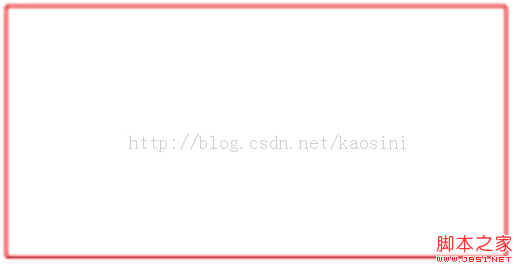
使用 Canvas 繪製矩形時,若 width 或 height 帶有小數,可能會讓邊框看起來粗細不一、顏色略差,甚至出現模糊。這通常是因為座標落在半像素或子像素位置,觸發抗鋸齒。
問題範例
context.rect(188.0, 50, 200, 100.375);
context.fillStyle = 'white';
context.fill();
context.lineWidth = 1;
context.strokeStyle = 'red';
context.stroke();
執行後可看到底部邊框較細,顏色也可能與其他邊不同。
解法
將參數取整數,讓矩形對齊像素網格:
context.rect(188.0, 50, 200, 100);修改後邊框粗細與顏色就會一致。
建議
- 盡量使用整數座標與整數寬高。
- 若需要 1px 實線,可將座標設計在整數位置,或依需求調整 0.5 的對齊策略。
- 高密度螢幕可搭配 devicePixelRatio 縮放,但仍應注意像素對齊。
- 上一篇文章: 用 HTML5 打造簡單計時器:專注與休息的平衡小工具
- 下一篇文章: 用 HTML5 Canvas 自製顏色選擇器