Canvas 基礎入門:畫布、路徑、矩形與文字繪製
編輯:HTML5教程
初識 canvas
canvas 是 HTML5 的繪圖標籤,本身只是一塊畫布,需要透過 JavaScript 取得 2d context 才能繪製。
<canvas width="400" height="400" id="canvas"></canvas>
var canvas = document.getElementById("canvas");
var ctx = canvas.getContext("2d");
若不設定任何樣式,canvas 預設寬 300、高 150,背景透明,且為行內元素。
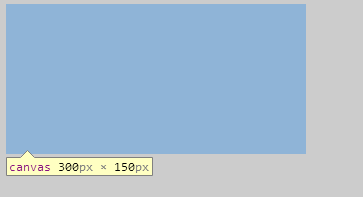
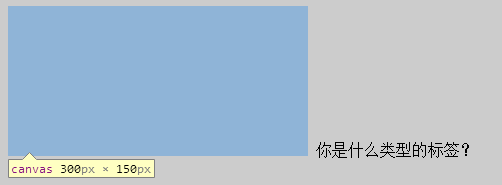
在支援 canvas 的瀏覽器中,標籤內的內容不會顯示;在不支援時才會顯示,因此可作為提示。
<canvas width="400" height="400" id="canvas">
  <span>您的瀏覽器不支援 canvas,請更換瀏覽器。</span>
</canvas>

畫點與線
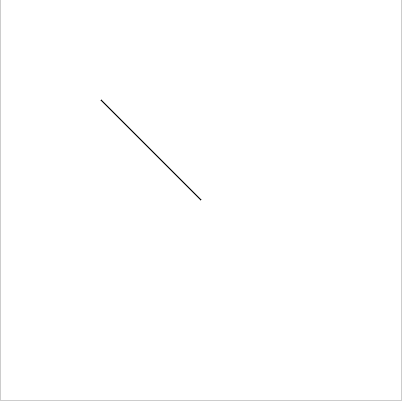
moveTo 移動畫筆但不作畫;lineTo 連接最後一點;stroke 才真正描邊。
ctx.moveTo(100,100);
ctx.lineTo(200,200);
ctx.stroke();
矩形三兄弟
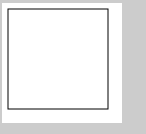
rect 只建立路徑,需搭配 fill 或 stroke;fillRect 直接填色;strokeRect 直接描邊。
ctx.rect(5.5,5.5,100,100);
ctx.stroke();
ctx.strokeRect(5.5,5.5,100,100);
ctx.fillRect(5.5,5.5,100,100);
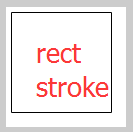
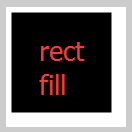
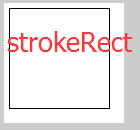
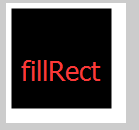
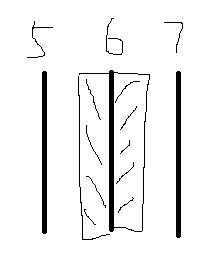
若希望線框為 1px,座標常需使用 0.5 的偏移,因為瀏覽器不會實際繪製半像素。
文字繪製
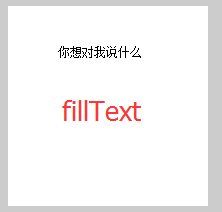
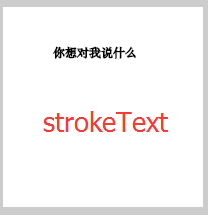
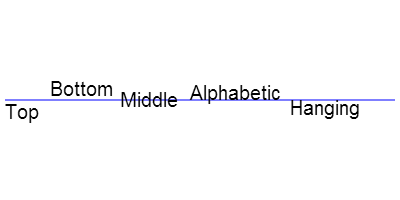
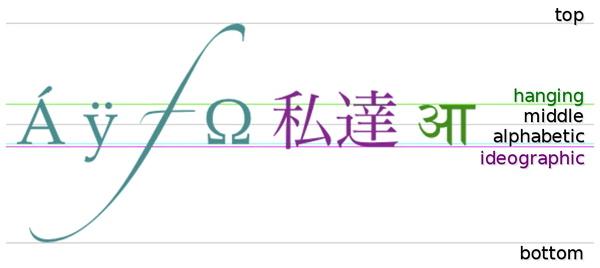
fillText 可填滿文字,strokeText 可描邊文字。文字基線可由 textBaseline 控制。
ctx.fillText('你想對我說什麼',50,50);
ctx.strokeText('你想對我說什麼',50,50);
預設基線為 alphabetic,若直接從 (0,0) 繪製,文字可能超出畫布。
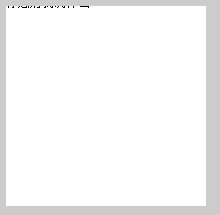
textBaseline 可設定為 top、middle、bottom 等值。
ctx.font="20px Arial";
ctx.textBaseline = "bottom";
ctx.fillText('你想對我說什麼',0,20);
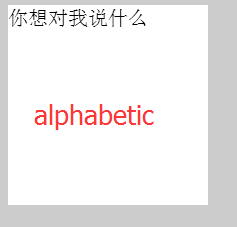
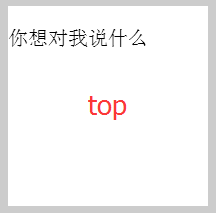
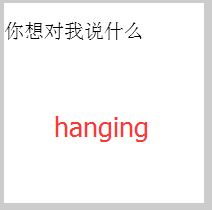
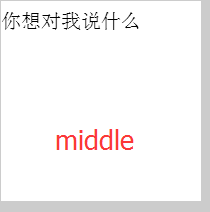
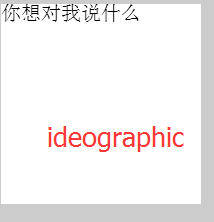
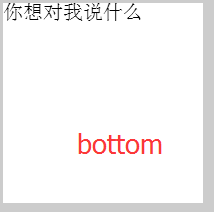
Canvas 文字樣式需使用 ctx.font、ctx.fillStyle、ctx.strokeStyle 等屬性,而非 CSS。
ctx.font="italic bold 40px 微軟雅黑";
ctx.textBaseline = "top";
ctx.fillStyle = 'red';
ctx.fillText('a你想對我說什麼',0,20);
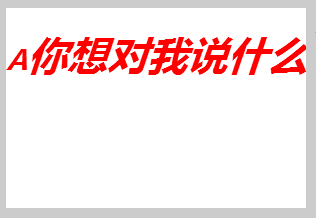
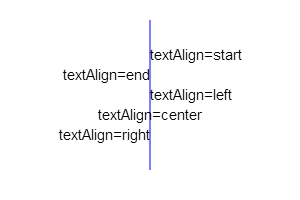
textAlign 可控制文字對齊方式。
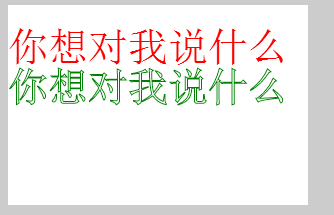
描邊文字看起來像加粗,是因為文字本身被描邊,並非 font-weight 增加。
ctx.font="40px Arial";
ctx.textBaseline = "top";
ctx.textAlign = 'left';
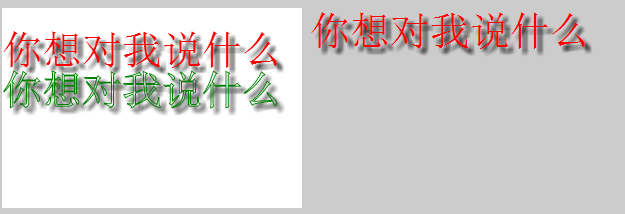
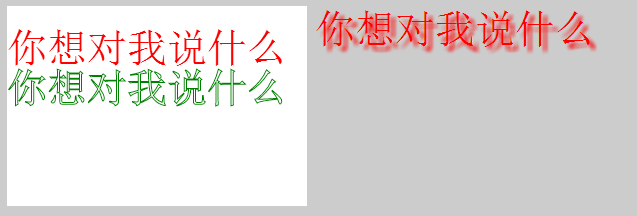
ctx.fillStyle = 'red';
ctx.fillText('你想對我說什麼',0,20);
ctx.strokeStyle = 'green';
ctx.strokeText('你想對我說什麼',0,60);
陰影效果可由 shadowOffsetX、shadowOffsetY、shadowBlur、shadowColor 控制。
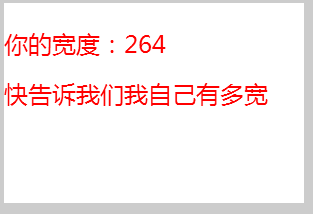
measureText 可取得文字寬度,但無法取得高度。
var w = ctx.measureText("快告訴我們我自己有多寬").width;
- 上一篇文章: Canvas 小實作:打造簡易畫板與畫筆工具
- 下一篇文章: Canvas 基礎進階:路徑閉合、線條樣式與圓弧繪製