基於JavaScript FileReader上傳圖片顯示本地鏈接
編輯:關於JavaScript
簡介
使用FileReader對象,web應用程序可以異步的讀取存儲在用戶計算機上的文件(或者原始數據緩沖)內容,可以使用File對象或者Blob對象來指定所要處理的文件或數據.其中File對象可以是來自用戶在一個<input type="text" />元素上選擇文件後返回的FileList對象,也可以來自拖放操作生成的 DataTransfer對象,還可以是來自在一個HTMLCanvasElement上執行mozGetAsFile()方法後的返回結果.
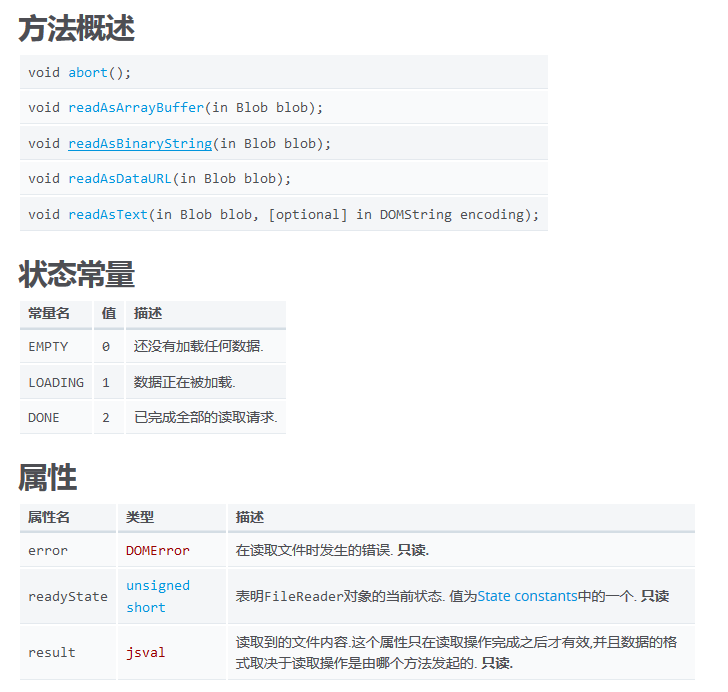
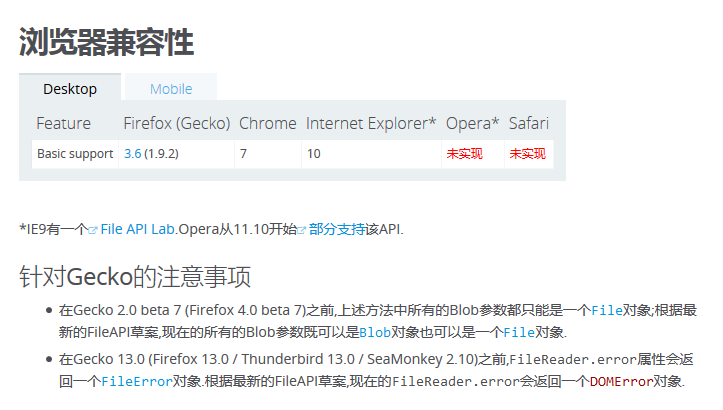
頁面中多個,上傳多個圖片DEMO代碼
<!Doctype html>
<html>
 <head>
  <title>上傳圖片顯示預覽圖</title>
  <style>
   #result img{
    height:100px;
    display:inline-block;
    margin-right:10px;
    margin-bottom:10px;
   }
  </style>
 </head>
 <body>
  <div class="add_imgs">
   <p>
    <label>請選擇一個圖像文件:</label>
    <input type="file" id="file_input" style="display:none;" />
   </p>
   <div id="result">
    <a href="javascript:void(0);" class="add_img_btn">添加圖片</a>
   </div>
  </div>
  <div class="add_imgs">
   <p>
    <label>請選擇一個圖像文件:</label>
    <input type="file" id="file_input" style="display:none;" />
   </p>
   <div id="result">
    <a href="javascript:void(0);" class="add_img_btn">添加圖片</a>
   </div>
  </div>
  <script src="jquery-2.2.1.min.js"></script>
  <script>
   $(".add_img_btn").unbind("click").on("click",function(){
    $(this).parents(".add_imgs").find("input[type=file]").click();
    var result = $(this).parent();
    var input = $(this).parents(".add_imgs").find("input[type=file]");
    dads(result,input);
   })


   function dads(result,input){
    if(typeof FileReader==='undefined'){
     result.innerHTML = "抱歉,你的浏覽器不支持 FileReader";
     input.setAttribute('disabled','disabled');
    }else{
     $(input).unbind("change").on("change",function(){
      var file = this.files[0];
      if(!/image\/\w+/.test(file.type)){
       alert("文件必須為圖片!");
       return false;
      }
      var reader = new FileReader();
      reader.readAsDataURL(file);
      reader.onload = function(e){
       $(result).append('<img src="'+this.result+'" alt="" />');
      }
     })
    }
   }
  </script>
 </body>
</html>
以上就是本文的全部內容,希望對大家學習JavaScript程序設計有所幫助。
小編推薦
熱門推薦