JavaScript 彈出視窗實作:遮罩加置中對話框
編輯:關於JavaScript
彈出視窗的核心是兩層結構:一層半透明遮罩鋪滿整個視口並鎖住捲動,上面再疊一個置中的內容區塊。點遮罩或內容都可以觸發關閉。
 <!DOCTYPE html>
<html>
<head lang="en">
<meta charset="UTF-8">
<title>彈出窗口</title>
<script src="js/jquery-1.11.1.js"></script>
<style>
*{ margin: 0; padding: 0; }
div{ margin: 0 auto; }
.overBg{
  width: 100%; height: 100%; background: gray;
  opacity: 0.5; filter: alpha(opacity=50);
  position: fixed; top:0; z-index: 300;
}
.tc-con{
  width: 200px; height: 200px; padding: 30px;
  background: blanchedalmond;
  position: fixed; top: 0; z-index: 1000;
}
</style>
<script>
$(function(){
  $('.tc').hide();
  $('.btn').click(function(){
    $('.tc').show();
  })
  $('.tc').click(function(){
    $(this).hide();
  })
})
</script>
</head>
<body>
<div class="btn">點擊出現</div>
<div class="tc">
  <div class="overBg"></div>
  <div class="tc-con" id="tc-con">22</div>
  <script>
    var a=document.getElementById('tc-con');
    a.style.left=(document.body.clientWidth/2- a.clientWidth/2)+'px';
    a.style.top=(document.documentElement.clientHeight/2- a.clientHeight/2)+'px';
  </script>
</div>
<div style="height:2000px">22</div>
</body>
</html>
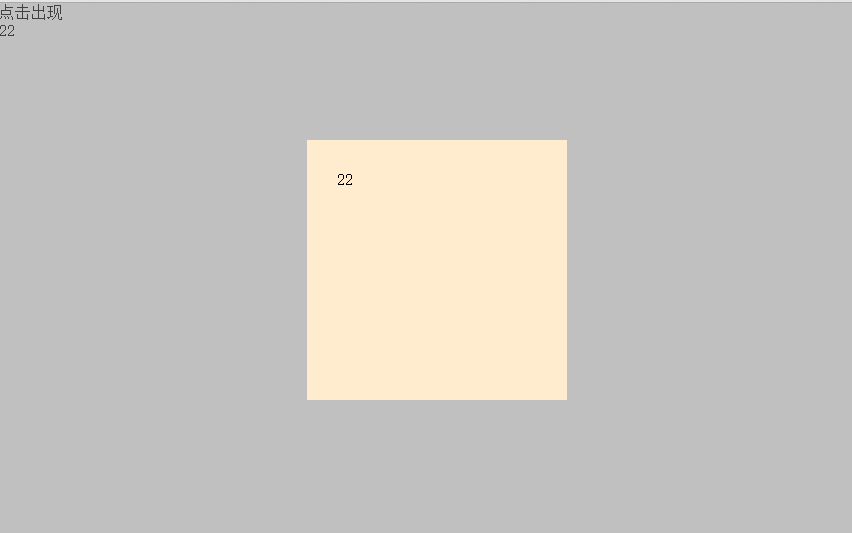
置中的算法是「視口尺寸減去元素尺寸再除以二」:水平方向用 document.body.clientWidth,垂直方向用 document.documentElement.clientHeight,兩者取的元素來源不同,混用容易出錯。
幾個可以再加強的地方:z-index 讓遮罩在 300、內容在 1000,確保內容永遠在上;遮罩的 filter: alpha(opacity=50) 是為了相容舊 IE;頁面下方刻意放一個 2000px 高的區塊,用來測試捲動時 fixed 定位是否仍然正確覆蓋。
若要更完整的體驗,建議再補上 ESC 鍵關閉、點擊外部關閉、開啟時鎖定 body 捲動,以及 role="dialog" 與焦點管理的無障礙處理。
- 上一篇文章: 手風琴式下拉選單實作(jQuery 版)
- 下一篇文章: JavaScript 實現 Tab 分頁切換特效