jQuery 的 hide 方法除了單純隱藏元素,還能帶入速度參數做出漸隱動畫。只要一行 $(this).hide("slow"),就能讓元素以動畫方式慢慢消失。以下用一個超連結的例子來示範。
程式碼如下:
$(this).hide("slow");
完整範例:
<!DOCTYPE html>
<html>
<head>
<meta http-equiv="Content-Type" content="text/html; charset=gb2312" />
<title>hello world</title>
<script type="text/javascript" src="https://www.cssrain.cn/demo/jquery.js"></script>
<script type="text/javascript">
$(document).ready(function(){
$("a").click(function(){
$(this).hide("slow");
return false;
});
});
</script>
</head>
<body>
<a href="https://www.cssrain.cn">點擊我,我會慢慢消失</a>
<hr/>
<a href="https://www.baidu.com">我也是一個連結</a>
</body>
</html>
點擊超連結後,它就會漸漸淡出消失。這裡有個關鍵細節:回呼中的 return false 用來阻止超連結的預設跳轉行為,這樣在元素消失的同時,頁面也不會跳走。
點擊 text 圖片消失的效果:
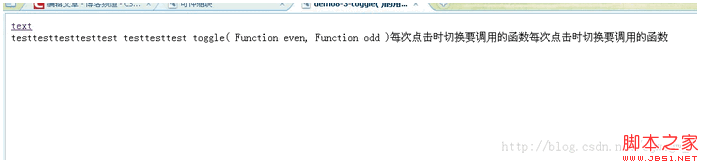
如果想做成點擊一下顯示、再點一下隱藏的切換效果,則可以把 hide 換成 toggle,同樣能帶入 "slow" 等速度參數。
- 上一篇文章: 釐清 jQuery 中 this 與 $(this) 的差別
- 下一篇文章: 用 jQuery 的 hover 讓滑鼠移過表格列時背景變色