Javascript基於jQuery UI實現選中區域拖拽效果
編輯:關於JavaScript
一、效果展示
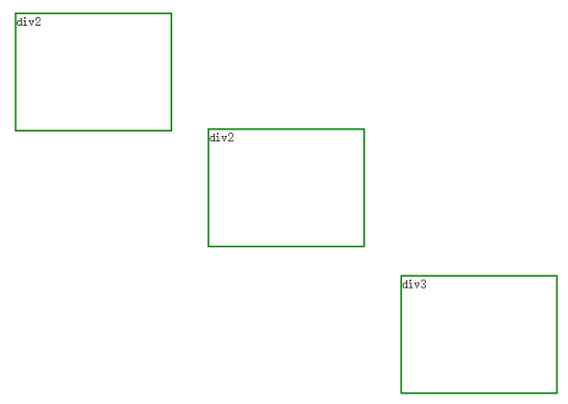
普通的三個div
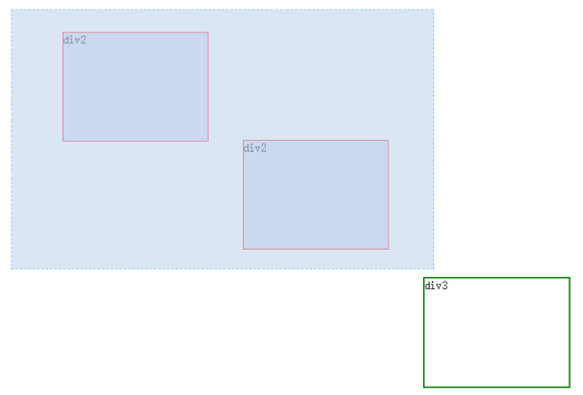
鼠標拖動選中效果
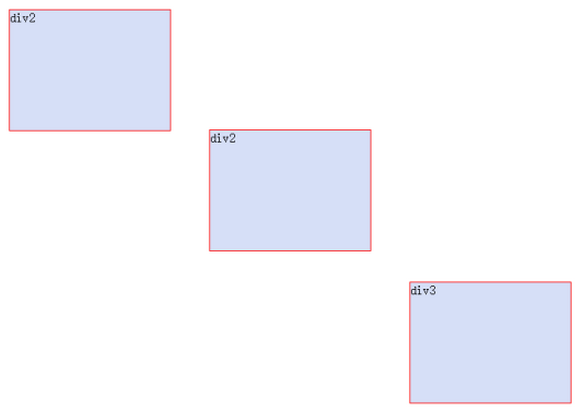
選中所有的div
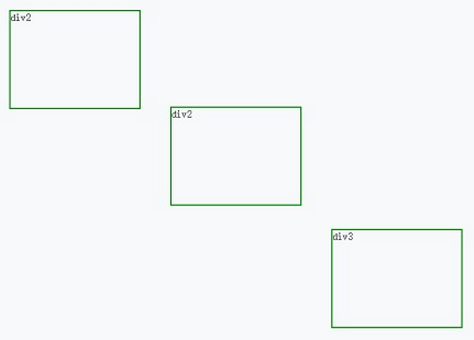
這樣貌似看不出效果,沒關系,我們有神奇的gif動畫,來一個整體的動畫效果感受下。
二、代碼實現
整個代碼其實也不難,需要用到一個博主自己封裝的js文件。
AreaSelect.js
考慮到代碼量有點大,並且知乎沒有代碼折疊功能,所以這裡就留一個文件名。等博主抽時間將它開源到github上面去,當然,有需要的朋友也可以直接聯系博主,博主免費提供!
引入這個js後,還需要引用jquery和jquery UI相關文件。
<script src="Scripts/jquery-1.10.2.js"></script>
<script src="Content/jquery-ui-1.11.4.custom/jquery-ui.js"></script>
<link href="Content/jquery-ui-1.11.4.custom/jquery-ui.min.css" rel="stylesheet" />
<script src="Scripts/Common/SelectArea.js"></script>
因為文件之後,然後剩下的就是html和js初始化了
<body>
<div id="divCenter">
<div id="div1" style="position:absolute;width:200px;height:150px;left:200px;top:50px;cursor:pointer;">div2</div>
<div id="div2" style="position:absolute;width:200px;height:150px;left:450px;top:200px;cursor:pointer;">div2</div>
<div id="div3" style="position:absolute;width:200px;height:150px;left:700px;top:390px;cursor:pointer;">div3</div>
</div>
</body>
$(function () {
$("#divCenter div").draggable({
scope: "plant",
start: function () {
startMove();
},
drag: function (event, ui) {
MoveSelectDiv(event, ui, $(this).attr("id"));
},
});
oRegionSelect = new RegionSelect({
region: '#divCenter div',
selectedClass: 'seled',
parentId: "divCenter"
});
oRegionSelect.select();
});
以上所述是小編給大家介紹的Javascript基於jQuery UI實現選中區域拖拽效果,希望對大家有所幫助,如果大家有任何疑問請給我留言,小編會及時回復大家的。在此也非常感謝大家對網站的支持!
小編推薦
熱門推薦