利用JS實現數字增長
編輯:關於JavaScript
上次在項目中碰到要實現數字增長的效果,實現數字從0到目標數的增長,來看看效果圖
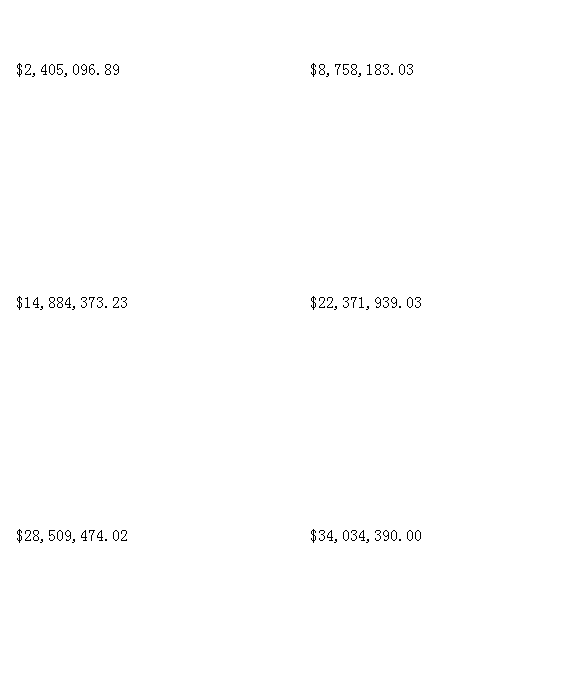
現在把它擴展開來可以實現不同效果
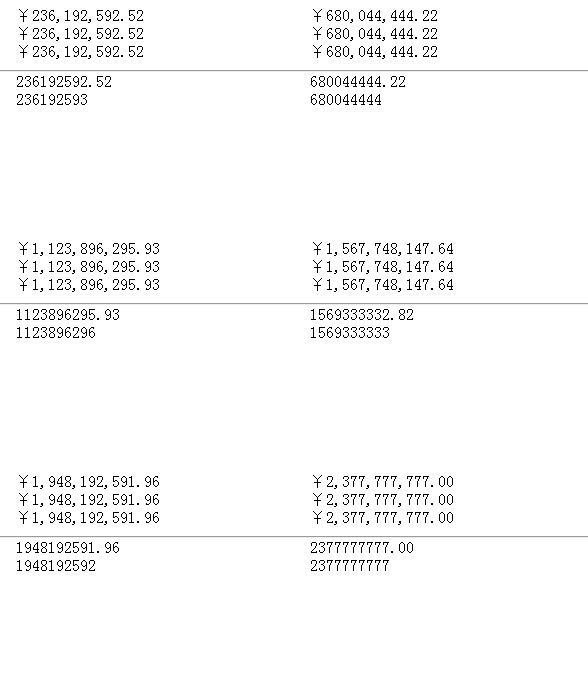
主要思路就兩部分
1.每隔三個數字之間加上,
2.實現動起來
對於1使用正則來完成十分的方便
this.fomatNum = function(num) {
      var str = num.toFixed(this.option.decimal);//精確到小數位數多少位
      var num1, x1, x2, reg;
      arr = str.split(".");
      x1 = arr[0];
      x2 = arr.length > 1 ? '.' + arr[1] : "";
      reg = /(\d+)(\d{3})/;
      if (this.option.isfomat) {
        while (reg.test(x1)) {
          x1 = x1.replace(reg, '$1' + "," + "$2");
        }
      }
      if (this.option.isfomat) {
        return this.option.prefix + x1 + x2;
      } else {
        return this.option.prefix + str;
      }
    }
要實現加起來的效果可以使用requestAnimationFrame方法,然後處理一下兼容就可以了。
var change = function() {
  var p = Math.min(1.0, (new Date().getTime() - that.startTime) / that.option.duration);//當前時間減去開始時間,然後除以總時間,Math.min,兩個數取最小值。
  var nums = that.num * p;
  that.elm.innerHTML = that.fomatNum(that.num * p);
  if (p < 1.0) {//
     requestAnimationFrame(function() {
        change();
     });
   } else {
        cancelAnimationFrame(change);
       }
  }
  requestAnimationFrame(function() {
     change();
   });
如果要實現數字在可視區再動起來的效果,可以自己監聽dom是否在可視區然後調用。
以上就是本文的全部內容,如果有疑問歡迎大家留言探討,也謝謝大家對的支持。
小編推薦
熱門推薦