React Native如何消除啟動時白屏的方法
編輯:JavaScript技巧
在RN 項目啟動之後有一個短暫的白屏,調試階段白屏的時間較長,大概3-5秒,打正式包後這個白屏時間會大大縮短,大多時候都是一閃而過,所以稱之為“閃白”。
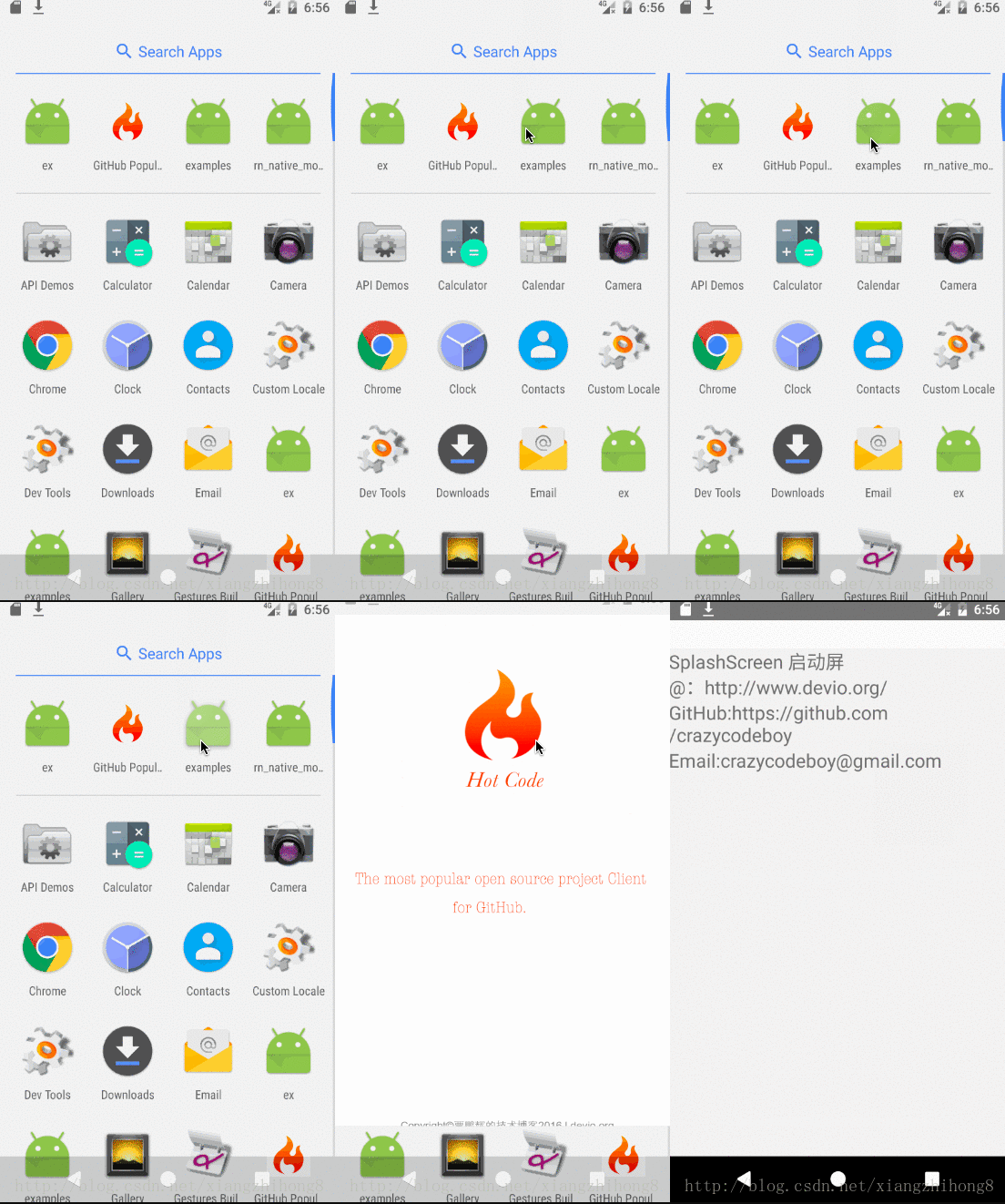
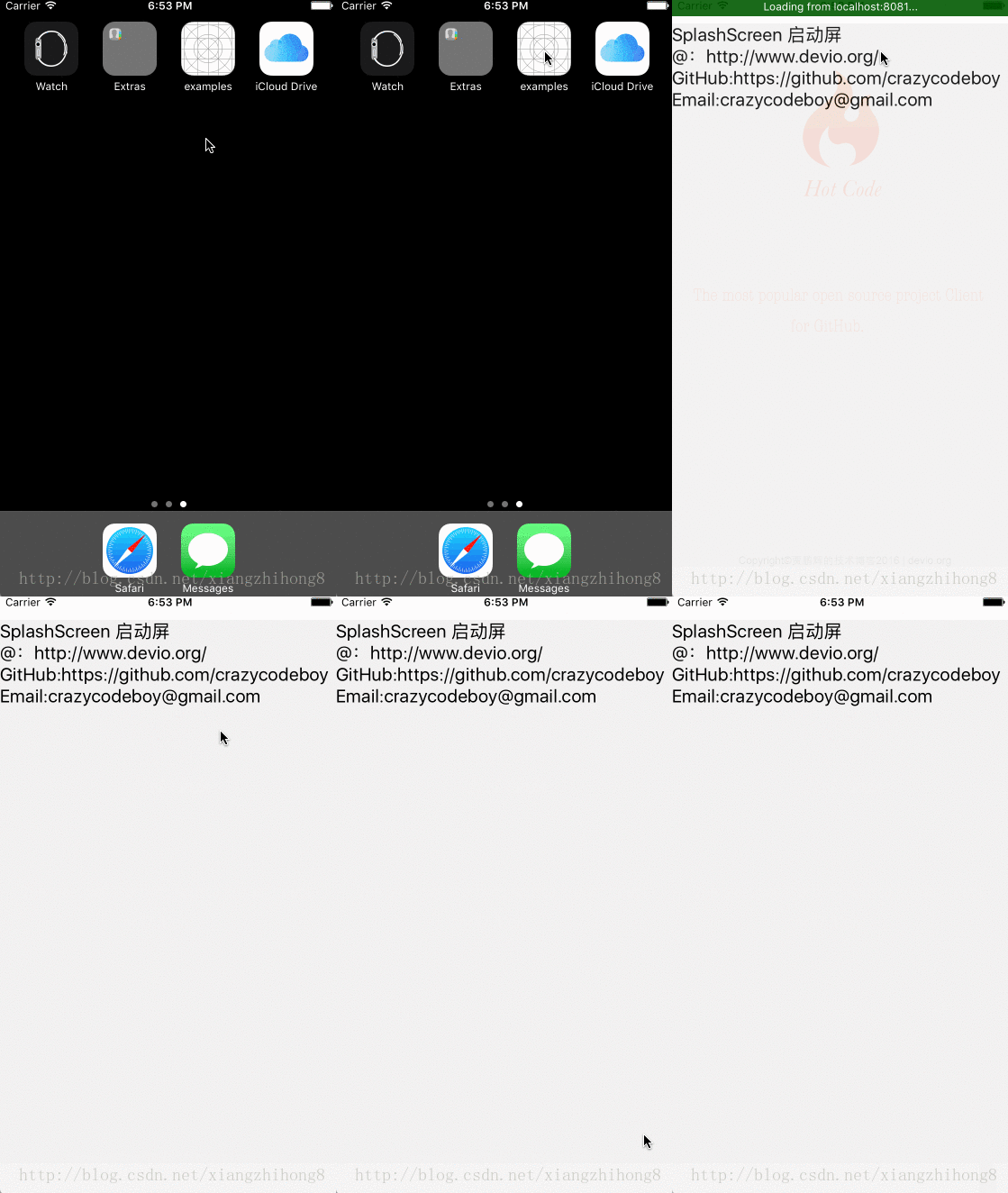
其實解決的方案也有很多,這裡做一個簡單的總結。
白屏的原因
在iOS App 中有 啟動圖(LaunchImage),啟動圖結束後才會出現上述的閃白,這個過程是 js 解釋的過程,JS 解釋完畢之前沒有內容,所以才表現出白屏,那麼解決的方法就是在啟動圖結束後,JS 解釋完成前做一些簡單的處理。
解決的常見方案:
- 啟動圖結束後通過原生代碼加載一張全屏占位圖片,跟啟動圖一樣的圖片,混淆視聽“欺騙用戶”。
- JS解釋完畢後通知原生可以移除占位圖
- 收到 JS 發來的可以移除占位圖的通知,移除占位圖
代碼實現
新建一個SplashScreen 文件用來接收 JS 發來的”移除占位圖”的消息。相關代碼如下:
SplashScreen.h
#import <Foundation/Foundation.h>
 #import "RCTBridgeModule.h"
 @interface SplashScreen : NSObject<RCTBridgeModule>

 @end
SplashScreen.m
#import "SplashScreen.h"
 @implementation SplashScreen

 RCT_EXPORT_MODULE();

 RCT_EXPORT_METHOD(close){
  [[NSNotificationCenter defaultCenter] postNotificationName:@"Notification_CLOSE_SPLASH_SCREEN" object:nil];
 }
 @end
在AppDelegate.m 加入以下代碼:
@interface AppDelegate ()
 {
  UIImageView *splashImage;
 }
 @end

 @implementation AppDelegate

 - (BOOL)application:(UIApplication *)application didFinishLaunchingWithOptions:(NSDictionary *)launchOptions
 {
    [[NSNotificationCenter defaultCenter]addObserver:self selector:@selector(closeSplashImage) name:"Notification_CLOSE_SPLASH_SCREEN" object:nil];

   ...
   [self autoSplashScreen];//寫在 return YES 之前,其他代碼之後
   return YES;
 }
 -(void)autoSplashScreen {
  if (!splashImage) {
   splashImage = [[UIImageView alloc]initWithFrame:[UIScreen mainScreen].bounds];
  }
  if (IPHONESCREEN3p5) {
   [splashImage setImage:[UIImage imageNamed:@"launch4"]];
  }else if (IPHONESCREEN4){
   [splashImage setImage:[UIImage imageNamed:@"launch5"]];
  }else if (IPHONESCREEN4p7){
   [splashImage setImage:[UIImage imageNamed:@"launch6"]];
  }else if (IPHONESCREEN5p5){
   [splashImage setImage:[UIImage imageNamed:@"launch7"]];
  }
  [self.window addSubview:splashImage];
 }
 -(void)closeSplashImage {
    dispatch_sync(dispatch_get_main_queue(), ^{
     [UIView animateWithDuration:0.5 animations:^{
      splashImage.alpha = 0;
     } completion:^(BOOL finished){
      [splashImage removeFromSuperview];
     }];
    });
 }
在合適的時機選擇移除占位圖。js端代碼:
if (Platform.OS === 'ios') {
   NativeModules.SplashScreen.close();
 };
更加詳細的信息可以訪問:https://github.com/crazycodeboy/react-native-splash-screen/blob/master/README.zh.md
以上就是本文的全部內容,希望對大家的學習有所幫助,也希望大家多多支持。
小編推薦
熱門推薦