jQuery 輸入城市即時查看地圖的實作教學
編輯:JQuery特效代碼
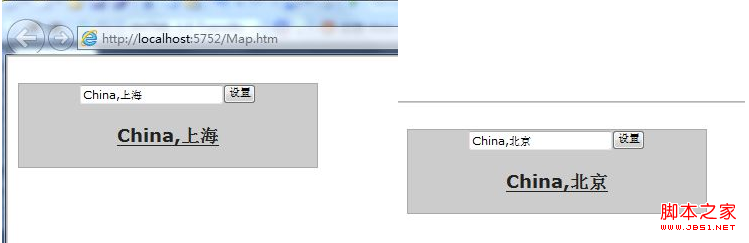
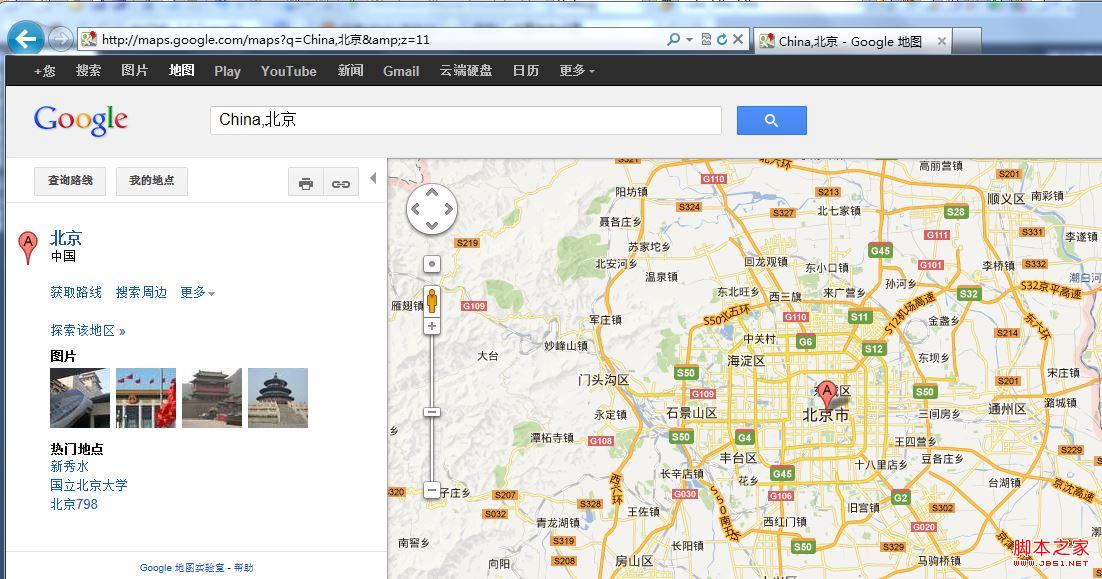
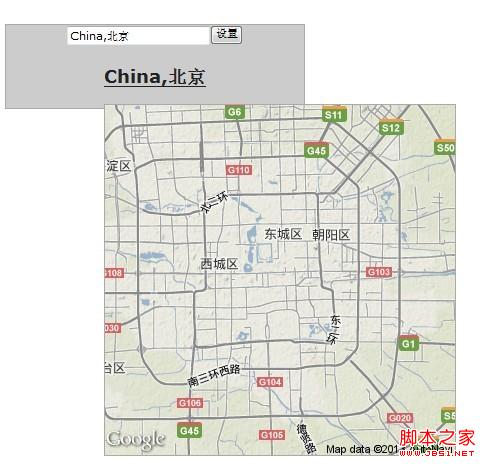
本文示範一個實用的小功能:在輸入框中輸入「國家,城市」,點擊設定後超連結文字會更新,滑鼠懸停時會彈出一張小地圖,點擊則可跳轉到該城市的完整地圖頁。
引入依賴
要特別注意各 js 的引入順序,jQuery UI 元件必須依賴核心檔先載入:
<script src="js/jquery-1.9.1.js" type="text/javascript"></script>
<script src="js/jquery.ui.core.js" type="text/javascript"></script>
<script src="js/jquery.ui.widget.js" type="text/javascript"></script>
<script src="js/jquery.ui.position.js" type="text/javascript"></script>
<script src="js/jquery.ui.tooltip.js" type="text/javascript"></script>
核心腳本
透過 jQuery UI 的 tooltip 組件,為帶有 data-geo 的元素產生地圖提示;點擊按鈕時更新超連結的文字與 href:
<script type="text/javascript">
$(function () {
$(document).tooltip({
items: "img, [data-geo], [title]",
content: function () {
var element = $(this);
if (element.is("[data-geo]")) {
var text = element.text();
return "<img class='map' alt='" + text +
"' src='https://maps.google.com/maps/api/staticmap?" +
"zoom=11&size=350x350&maptype=terrain&sensor=false¢er=" +
text + "'>";
}
if (element.is("[title]")) {
return element.attr("title");
}
if (element.is("img")) {
return element.attr("alt");
}
}
});
$('#Button1').click(function () {
$('#AName').text($('#Text1').val());
$('#AName').attr('href', "https://maps.google.com/maps?q=" + $('#Text1').val() + "&z=11");
});
});
</script>
HTML 結構
<input id="Text1" type="text" value="China,上海"/><input id="Button1" type="button" value="設置" />
<h3><a href="https://maps.google.com/maps?q=China,上海&z=11" data-geo id="AName">China,上海</a></h3>
效果圖如下:
- 上一篇文章: 用純 JavaScript 實現中文姓名自動拆分的方法
- 下一篇文章: jQuery 依經緯度查看看地圖的處理程序實作