用 jQuery UI 做出漂亮的網頁對話框,其實只要幾行
編輯:JQuery特效代碼
先從最簡單的登入視窗開始。使用前請先下載 jQuery UI 插件。
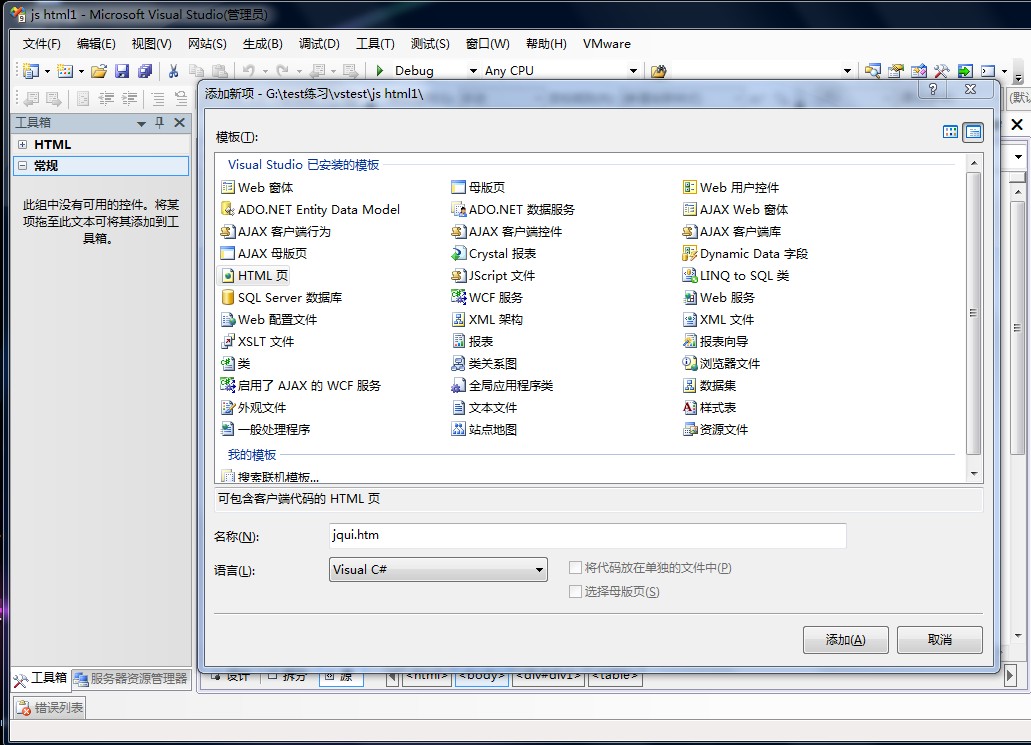
先在 body 中放一個要變成彈窗的區塊:
<body>
<div id="div1">
<table>
<tr><td>用戶名</td><td><input type="text" style="width:100px" /></td></tr>
<tr><td>密碼</td><td><input type="text" style="width:100px" /></td></tr>
</table>
</div>
</body>
接著把下載的檔案準備好,從 jquery-1.4.2 資料夾取出 jquery-1.4.2.js,再從 jquery-ui-1.8.11.custom 資料夾的 js 目錄取出 jquery-ui-1.8.11.custom.min.js,複製到自己的專案目錄。
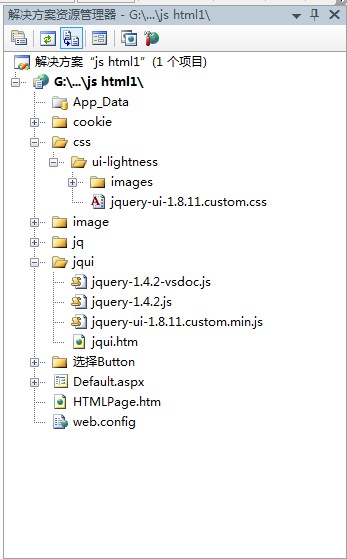
然後加上引用。若已安裝 VS2008 SP1,直接把兩個 js 檔拖進 head 即可,手動輸入也一樣。

最後只要呼叫 dialog():
<script type="text/javascript">
$(function() {
$("#div1").dialog();
});
</script>
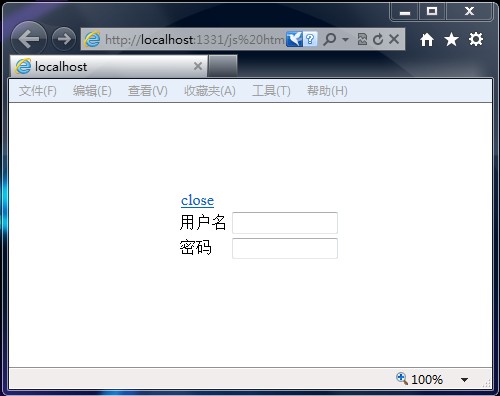
功能出來了,但樣式很朴素。這時把 jquery-ui-1.8.11.custom 資料夾裡的 css 目錄也複製進來。
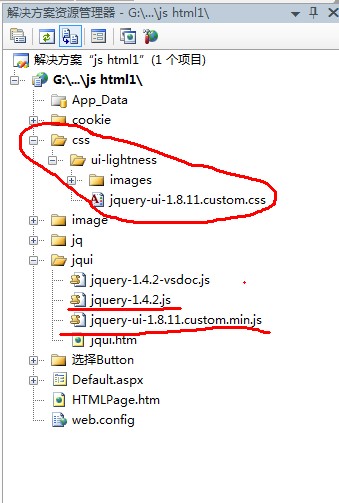
再把 jquery-ui-1.8.11.custom.css 加入引用。

重新整理,樣式就完整了。
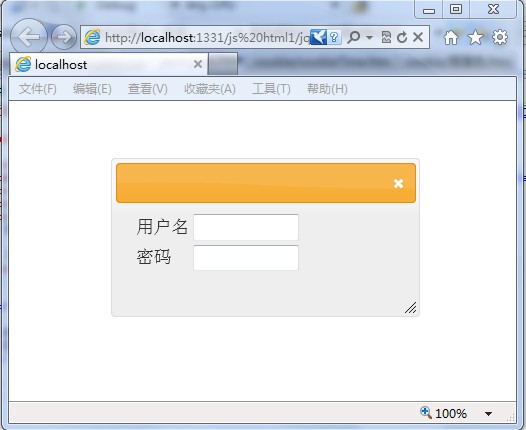
完整程式碼
<!DOCTYPE html PUBLIC "-//W3C//DTD XHTML 1.0 Transitional//EN" " https://www.w3.org/TR/xhtml1/DTD/xhtml1-transitional.dtd">
<html xmlns="https://www.w3.org/1999/xhtml">
<head>
<title></title>
<link href="../css/ui-lightness/jquery-ui-1.8.11.custom.css" rel="stylesheet" type="text/css" />
<script src="jquery-1.4.2.js" type="text/javascript"></script>
<script src="jquery-ui-1.8.11.custom.min.js" type="text/javascript"></script>
<script type="text/javascript">
$(function() {
$("#div1").dialog();
});
</script>
</head>
<body>
<div id="div1">
<table>
<tr><td>用戶名</td><td><input type="text" style="width:100px" /></td></tr>
<tr><td>密碼</td><td><input type="text" style="width:100px" /></td></tr>
</table>
</div>
</body>
</html>
關鍵就這麼幾行。jQuery UI 的 dialog 還支援 title、modal、width、buttons 等參數,例如 $("#div1").dialog({ modal: true, title: "登入", buttons: { "確定": function(){...} } }),就能進一步做出置中遮罩與自訂按鈕的對話框。
- 上一篇文章: jQuery 實戰:仿淘寶商城左側分類導覽效果
- 下一篇文章: 使用 jQuery blockUI 插件製作遮罩彈跳層