Bootstrap Modal 置中與拖曳功能實作
編輯:關於JavaScript
Bootstrap Modal 預設從上方彈出,若要讓它水平垂直居中,並加入拖曳功能,可透過 JavaScript 調整 modal-content 的上邊距,並啟用 draggable。
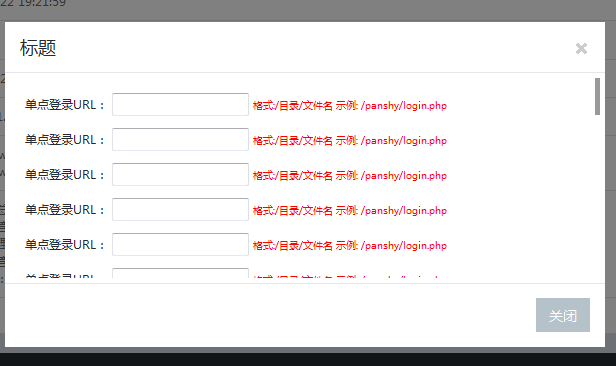
拖曳功能
$('#myModal').draggable({
  handle: '.modal-header',
  cursor: 'move'
});
透過 handle 指定拖曳區域,可避免整個彈窗都能拖動,讓操作更直覺。
置中處理
可在 modal 顯示事件中計算彈窗高度,並動態設定 margin-top。若希望視窗大小改變時也維持置中,可再監聽 resize 事件重新計算。
function centerModals() {
  $('#myModal').each(function () {
    var $clone = $(this).clone().css('display', 'block').appendTo('body');
    var top = Math.round(($clone.height() - $clone.find('.modal-content').height()) / 2);
    top = top > 0 ? top : 0;
    $clone.remove();
    $(this).find('.modal-content').css('margin-top', top);
  });
}
$('#myModal').on('show.bs.modal', centerModals);
這樣即可讓 Bootstrap 彈窗在開啟時更接近畫面中央,也能配合拖曳提升互動性。
- 上一篇文章: BootstrapValidator 表單驗證使用指南
- 下一篇文章: Bootstrap Modal 常見問題與遮罩處理