用 JavaScript 結合 Canvas 打造簡易圓形時鐘
編輯:關於JavaScript
剛開始學 HTML5 的 Canvas 時,做一個時鐘是很合適的練手題目:它需要用到路徑繪製、座標平移與旋轉變換,還有計時器,但整體邏輯並不複雜。下面這個版本沒有使用任何圖片素材,全靠程式把錶盤、刻度與三根指針畫出來,麻雀雖小五臟俱全。
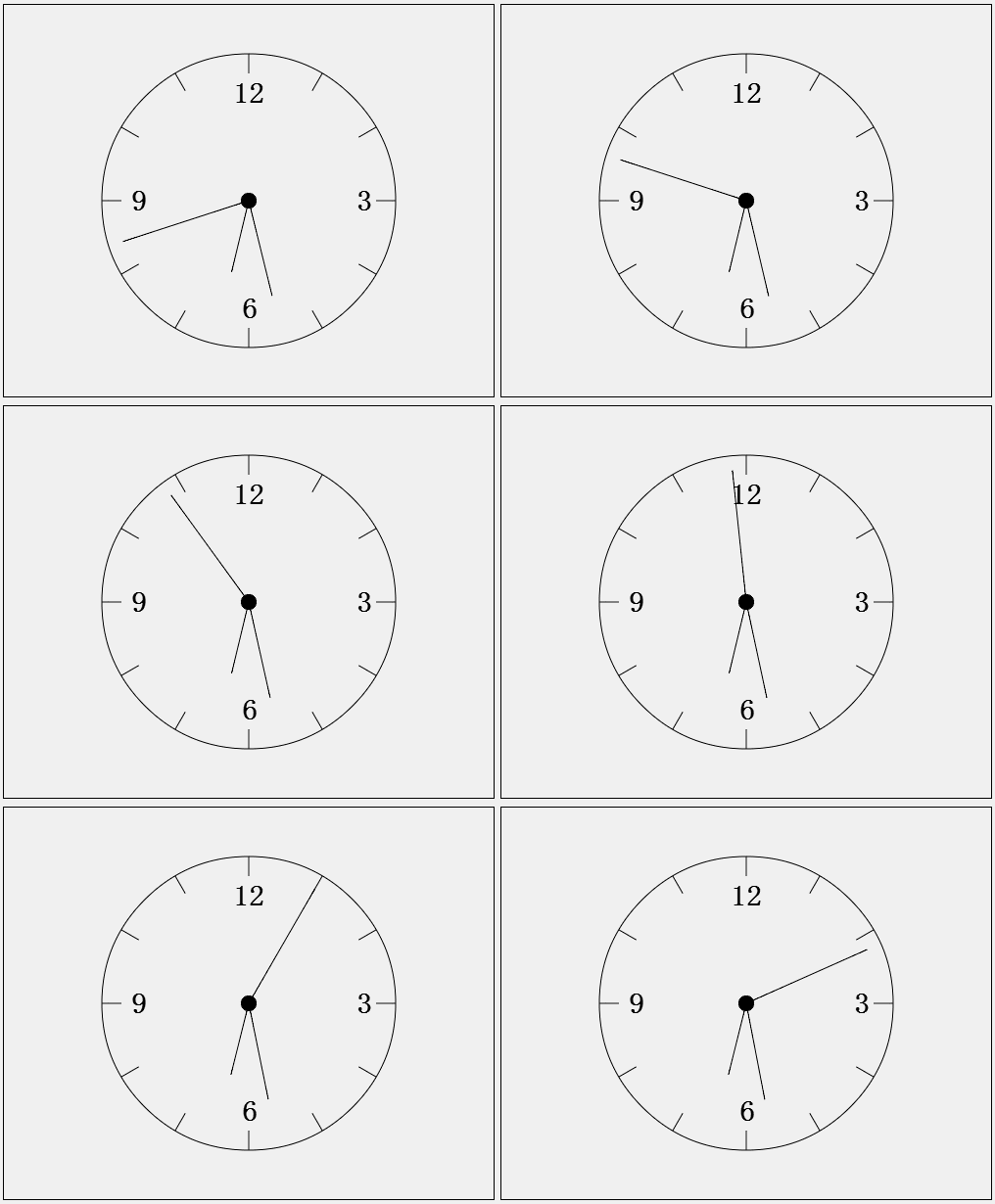
先看運行效果:
一、頁面結構
頁面只需要一個 canvas 元素,並在 body 載入完成時呼叫 main():
<!DOCTYPE html>
<html>
<head>
  <meta http-equiv="Content-Type" content="text/html; charset=utf-8" />
  <title>Clock</title>
  <style type="text/css">
    * { margin: 0; padding: 0; }
    .canvas {
      margin-left: 20px;
      margin-top: 20px;
      border: solid 1px;
    }
  </style>
</head>
<body onload="main()">
  <canvas class="canvas" id="canvasId" width="500" height="400"></canvas>
  <script type="text/javascript" src="Clock.js"></script>
</body>
</html>
二、核心 JavaScript
整個時鐘被封裝在 Canvas.Clock 這個建構函式裡,先宣告半徑、刻度長度、每分鐘與每小時對應的弧度,以及三根指針的長度:
var Canvas = {};
Canvas.cxt = document.getElementById('canvasId').getContext('2d');

Canvas.Point = function (x, y) {
  this.x = x;
  this.y = y;
};

/* 清空整個畫布 */
Canvas.clearCxt = function () {
  var me = this;
  var canvas = me.cxt.canvas;
  me.cxt.clearRect(0, 0, canvas.offsetWidth, canvas.offsetHeight);
};

Canvas.Clock = function () {
  var me = Canvas,
      c = me.cxt,
      radius = 150,                 /* 錶盤半徑 */
      scale = 20,                   /* 刻度長度 */
      minangle = (1 / 30) * Math.PI,  /* 一分鐘對應的弧度 */
      hourangle = (1 / 6) * Math.PI,  /* 一小時對應的弧度 */
      hourHandLength = radius / 2,
      minHandLength = radius / 3 * 2,
      secHandLength = radius / 10 * 9,
      center = new me.Point(c.canvas.width / 2, c.canvas.height / 2);

  /* 畫中心圓點 */
  function drawCenter() {
    c.save();
    c.translate(center.x, center.y);
    c.fillStyle = 'black';
    c.beginPath();
    c.arc(0, 0, radius / 20, 0, 2 * Math.PI);
    c.closePath();
    c.fill();
    c.stroke();
    c.restore();
  }

  /* 畫錶盤與刻度:靠座標變換簡化計算 */
  function drawBackGround() {
    c.save();
    c.translate(center.x, center.y);

    function drawScale() {
      c.moveTo(radius - scale, 0);
      c.lineTo(radius, 0);
    }

    c.beginPath();
    c.arc(0, 0, radius, 0, 2 * Math.PI, true);
    c.closePath();
    for (var i = 1; i <= 12; i++) {
      drawScale();
      c.rotate(hourangle);   /* 每次旋轉一小時的角度 */
    }

    c.font = "bold 30px impack";
    c.fillText("3", 110, 10);
    c.fillText("6", -7, 120);
    c.fillText("9", -120, 10);
    c.fillText("12", -16, -100);
    c.stroke();
    c.restore();
  }

  /* 時針:h 為 24 小時制的小時數 */
  this.drawHourHand = function (h) {
    h = h === 0 ? 24 : h;
    c.save();
    c.translate(center.x, center.y);
    c.rotate(3 / 2 * Math.PI);
    c.rotate(h * hourangle);
    c.beginPath();
    c.moveTo(0, 0);
    c.lineTo(hourHandLength, 0);
    c.stroke();
    c.restore();
  };

  /* 分針 */
  this.drawMinHand = function (m) {
    m = m === 0 ? 60 : m;
    c.save();
    c.translate(center.x, center.y);
    c.rotate(3 / 2 * Math.PI);
    c.rotate(m * minangle);
    c.beginPath();
    c.moveTo(0, 0);
    c.lineTo(minHandLength, 0);
    c.stroke();
    c.restore();
  };

  /* 秒針 */
  this.drawSecHand = function (s) {
    s = s === 0 ? 60 : s;
    c.save();
    c.translate(center.x, center.y);
    c.rotate(3 / 2 * Math.PI);
    c.rotate(s * minangle);
    c.beginPath();
    c.moveTo(0, 0);
    c.lineTo(secHandLength, 0);
    c.stroke();
    c.restore();
  };

  /* 依本機時間刷新時鐘 */
  this.drawClock = function () {
    var me = this;
    function draw() {
      var date = new Date();
      Canvas.clearCxt();
      drawBackGround();
      drawCenter();
      me.drawHourHand(date.getHours() + date.getMinutes() / 60);
      me.drawMinHand(date.getMinutes() + date.getSeconds() / 60);
      me.drawSecHand(date.getSeconds());
    }
    draw();
    setInterval(draw, 1000);
  };
};

var main = function () {
  var clock = new Canvas.Clock();
  clock.drawClock();
};
三、幾個關鍵細節
第一,指針的角度並不是整數。時針要把「分鐘」折算進去(小時 + 分/60),分針要把「秒」折算進去,這樣指針才會平滑前進,而不是每到整點才跳一格。
第二,drawBackGround 裡先 translate 到圓心,再反覆 rotate,等於把「三角函數算每個刻度座標」這件事交給了 Canvas 的變換矩陣,程式碼短了很多。
第三,每次重繪前一定要 clearCxt,否則上一秒的指針會殘留在畫布上。這裡用每秒 1000 毫秒的 setInterval 觸發;如果追求更順的動畫,可以改用 requestAnimationFrame。
程式裡用到的都是 Canvas 最基本的 API(arc、moveTo、lineTo、translate、rotate、fillText 等),查一下文件就能理解。以上就是完整實作,希望對正在學 Canvas 的朋友有幫助。
- 上一篇文章: iScroll 中點擊事件觸發兩次的原因與解法
- 下一篇文章: JavaScript 與 CSS3 動畫該怎麼選?一份實戰心得