25 個值得收藏的 jQuery 幻燈片插件與教學彙整
編輯:JQuery特效代碼
做過首頁或產品頁的人都知道,一個順手的輪播/幻燈片模組能省下大量工時。這裡整理了 25 個素質不錯的 jQuery 滑塊方案與 step-by-step 教學,從經典 Coda Slider 到自製內容滑桿都有,適合當作選型清單。
精選 25 例
1. Create a Slick and Accessible Slideshow Using jQuery
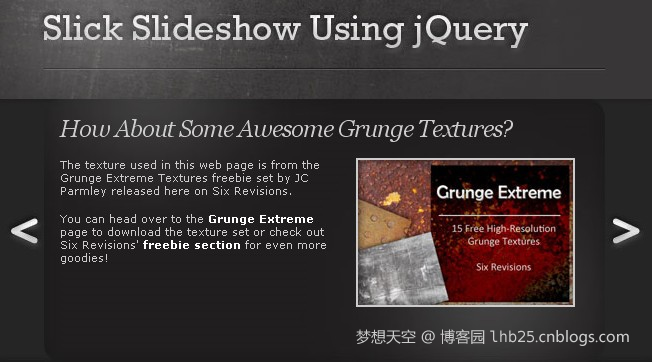
強調無障礙的可及性寫法,鍵盤與讀屏友善。
2. Create an Image Rotator with Description (CSS/jQuery)
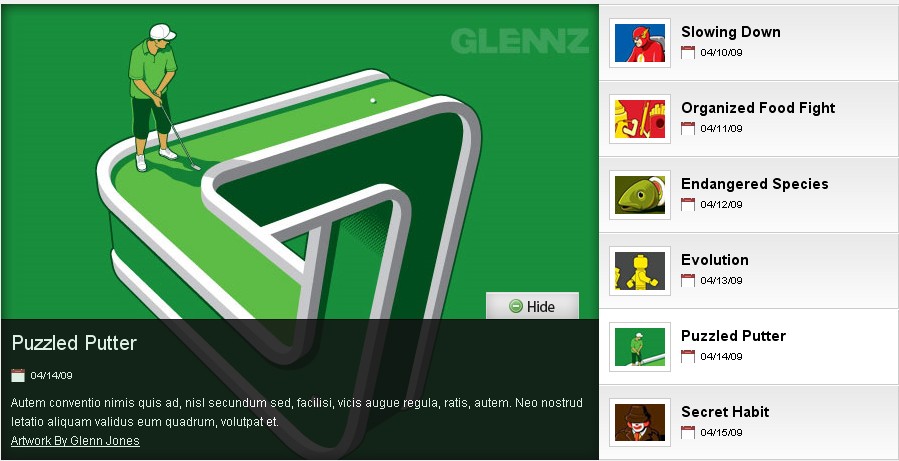
純 CSS 搭配 jQuery 的圖片轉盤,附文字說明。
3. A Beautiful Apple-style Slideshow Gallery
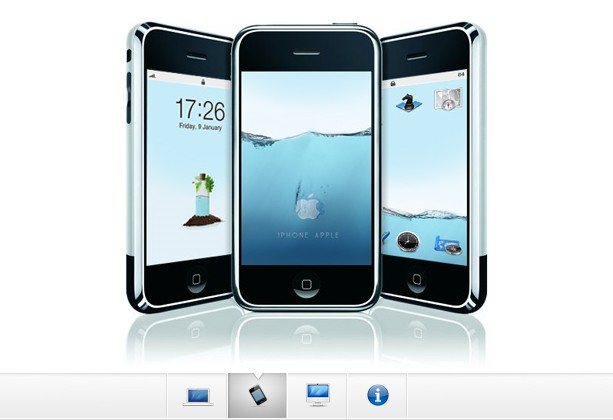
蘋果風格的圖庫呈現,質感取向。
4. Fancy Thumbnail Hover Effect w/ jQuery
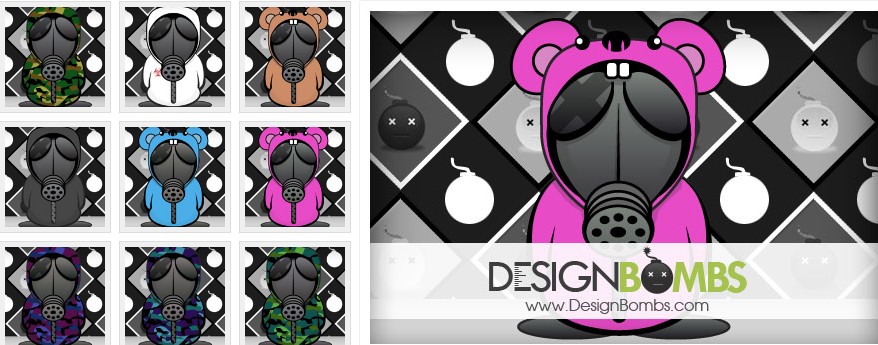
縮圖懸停的細節動畫,很適合作品牆。
5. Simple JQuery Image Slide Show with Semi-Transparent Caption
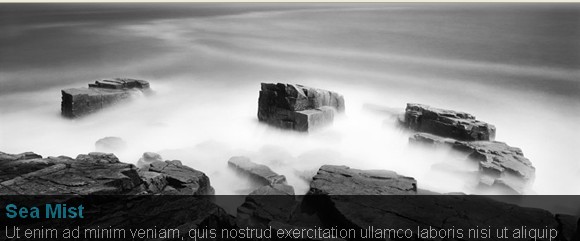
半透明字幕疊在圖上,做法輕量。
6. Slider Gallery
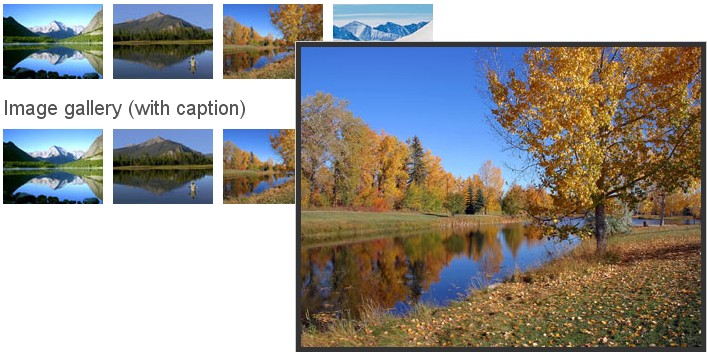
7. Building a jQuery Image Scroller

從零打造橫向圖片捲軸。
8. Sliding Boxes and Captions with jQuery

9. Animate Panning Slideshow with jQuery
平移式播放,適合寬幅照片。
10. Create Beautiful jQuery Slider Tutorial
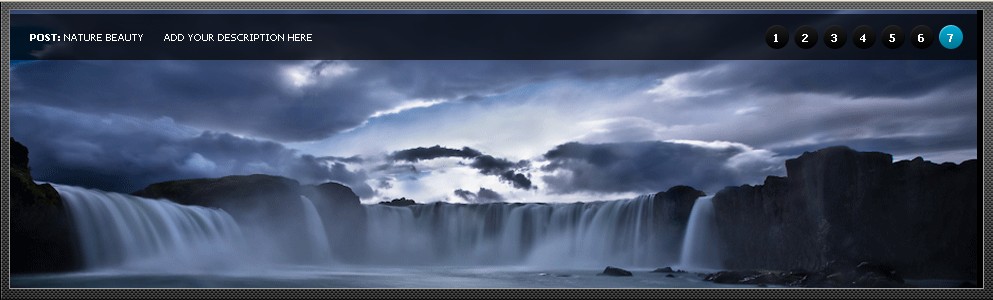
11. Create a Fancy Image Gallery with JQuery
12. jQuery Infinite Carousel
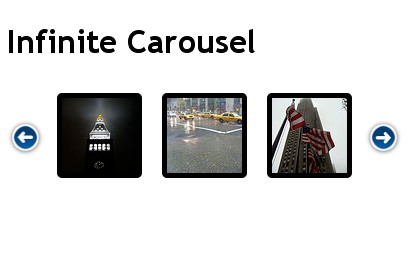
無限循環輪播,沒有頭尾斷點。
13. Coda Slider Effect
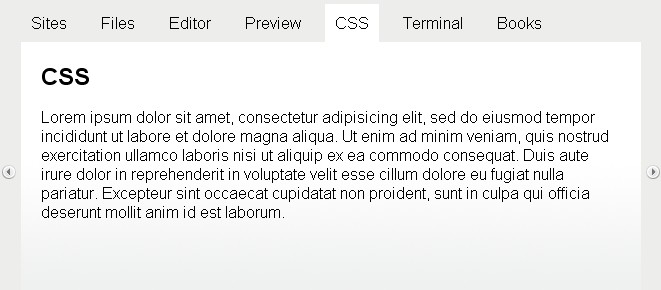
許多人入門的第一個參考範例。
14. Create Featured Content Slider Using jQuery UI
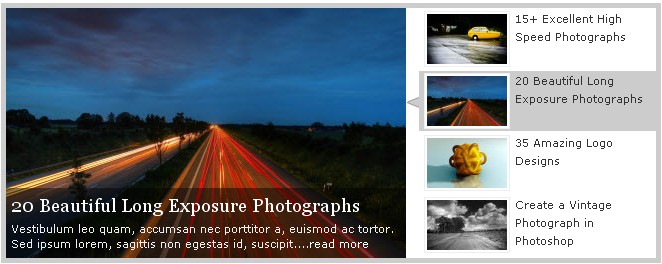
15. Making a Content Slider with jQuery UI
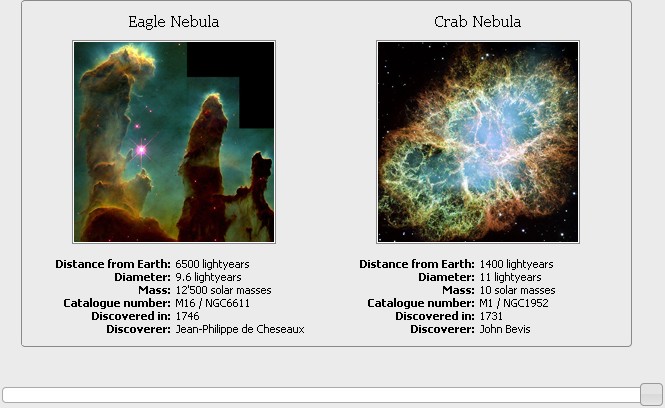
16. Creating a Slick Auto-Playing Featured Content Slider
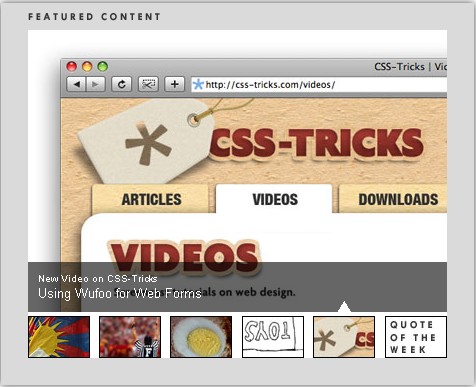
自動播放版本,記得留一個暫停開關。
17. Start/Stop Slider

18. ImageSwitch
作者:Hieu PHAM
19. Create Content Slider using jFlow
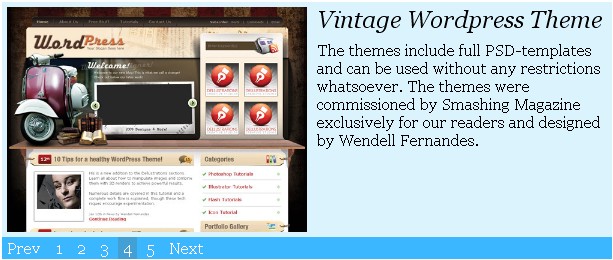
jFlow 走極簡路線,設定項少、好上手。
20. jQuery Looped Slider Tutorial
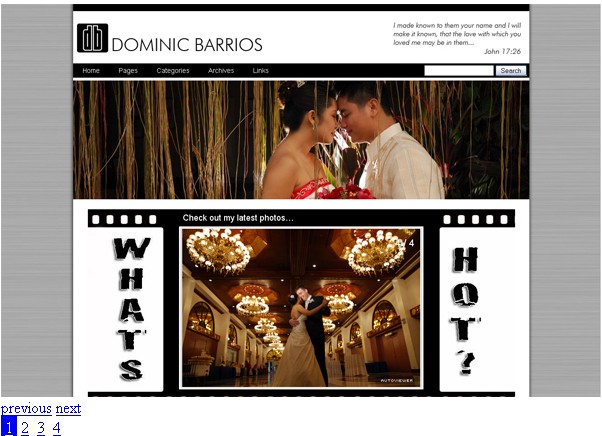
21. Build a Content Slider with jQuery
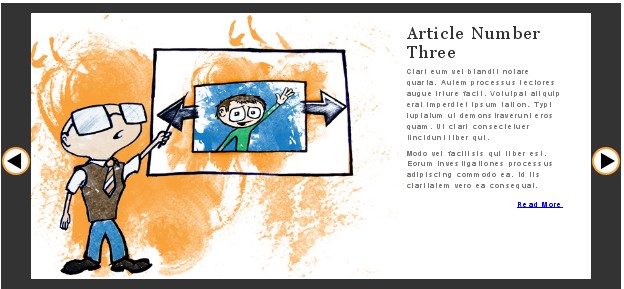
22. CSS and jQuery – Creating an Image Slider

23. jQuery Image Gallery / News Slider with Caption
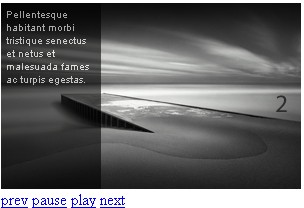
24. Making a Mosaic Slideshow With jQuery & CSS

馬賽克拼貼風格,視覺效果突出。
25. Making A Slick Content Slider

選型建議
如果只需要單純換圖,挑教學型的 lightweight 版本就好;若要做首頁主視覺輪播,建議直接看 jQuery Tools Scrollable、AnythingSlider 這類成熟插件,省下處理瀏覽器差異的功夫。另外別忘了:自動播放的輪播務必提供暫停機制,這既是無障礙要求,也能改善使用體驗。