js + canvas 畫圓圈:arc 函數的四個參數怎麼給
編輯:關於JavaScript
畫圓比畫矩形多一個觀念:canvas 沒有「畫圓」這個指令,圓是由 arc() 描述的一段弧線閉合而來。理解這一點,之後畫扇形、圓角、進度環都會順很多。
運行結果:
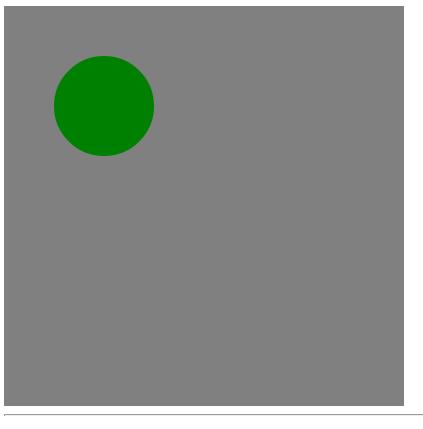
程式碼:
 <!DOCTYPE html PUBLIC "-//W3C//DTD XHTML 1.0 Transitional//EN" "https://www.w3.org/TR/xhtml1/DTD/xhtml1-transitional.dtd">
<html xmlns="https://www.w3.org/1999/xhtml">
<head>
<title>canvas畫圓圈</title>
<script type="text/javascript">
function drawCircle(id) {
    var canvas = document.getElementById(id);
    if (canvas) {
        var context = canvas.getContext("2d");
        context.fillStyle = "gray";
        context.strokeStyle = "black";
        // 鋪底,同時示範 fillRect 的填充作用
        context.fillRect(0, 0, 400, 400);
        // 畫圓:中心 (100,100)、半徑 50、從 0 到 2π
        context.beginPath();
        context.arc(100, 100, 50, 0, Math.PI * 2, true);
        context.closePath();
        context.fillStyle = "green";
        context.fill();
    } else {
        return;
    }
}

window.onload = function () {
    drawCircle("canvas");
}
</script>
</head>
<body>
<canvas id="canvas" width="400" style="background:red;" height="400"></canvas>
<hr />
</body>
</html>
arc(x, y, radius, startAngle, endAngle, anticlockwise) 的六個參數裡,前三個好理解:圓心座標與半徑。後三個才是關鍵:
角度用弧度,不是度數。一整圈是 Math.PI * 2,半圈是 Math.PI。如果要把度數換成弧度,公式是 度數 * Math.PI / 180。
anticlockwise 決定方向。最後那個布林值為 true 代表逆時針。當起點 0、終點 2π 時,順時針與逆時針畫出來的都是完整一圈,視覺上沒差;但如果你畫的是半圓或扇形,這個參數就會決定你拿到的是上半還是下半,實作時要特別留意。
beginPath 與 closePath 不能省。不呼叫 beginPath() 開新的路徑,新的弧線會接在上一段路徑後面,畫出意料之外的線條。而 closePath() 會把路徑首尾相連,讓 fill() 能正確填出一塊封閉區域——少了它,填色結果可能只是被 implicitly 連起來的多邊形。
把 fill() 換成 stroke(),就能得到只有描邊的空心圓;把終點角度改小(例如 Math.PI),就得到半圓。同一個函數稍作變化,扇形圖與圓環進度條都能做出來。
熱門推薦