jQuery 學習筆記:用 jQuery 外掛實作模態提示框
編輯:JQuery特效代碼
一直很想實作一個模態彈窗,試過不少 jQuery 外掛都不甚滿意,直到遇見這一個。由於它仍處於開發階段,連 API 文件都沒有,於是花了不少時間摸索才搞定。以下就來看看實際程式碼:
<script type="text/javascript">
$(function(){
$('.dlgDemoBtn').click(function(){
var el = $(this), act = el.attr('action');
switch(act){
case 'basic':
$('<div></div>').mac('dialog',{
title: '提示', model: true, autoOpen: true,
width: 200, draggable: true, el: '<p>你點擊了我!</p>'
});
break;
case 'extended':
mac.opendlg({
title: '提示',
message: '按下 {0} 可關閉窗口.',
params: ['<b>ESC/Enter</b>'],
buttons: [{ text: '確認', click: function(d){ d.close(); } }]
});
break;
case 'wait':
var h = mac.wait('3秒後此窗口自動關閉');
window.setTimeout(function(){ h.close(); }, 3000);
break;
case 'alert':
mac.alert('Hello!');
break;
case 'confirm':
mac.confirm('<p>你確認嗎?</p>', function(){
alert('You clicked yes!');
}, null);
break;
case 'customize':
mac.confirm('<p>你確認嗎?</p>', null, null, [
{ text: '關閉', click: function(d){ d.close(); } },
{ text: '確認', click: function(d){ d.close(); } }
]);
break;
}
});
});
</script>
按鈕透過自訂的 action 屬性區分不同功能:
<button class="dlgDemoBtn" action="basic">Basic</button>
<button class="dlgDemoBtn" action="extended">Extended</button>
<button class="dlgDemoBtn" action="wait">Spinner</button>
<button class="dlgDemoBtn" action="alert">Alert</button>
<button class="dlgDemoBtn" action="confirm">Confirm</button>
<button class="dlgDemoBtn" action="customize">Customize</button>
整個專案的目錄架構如下:
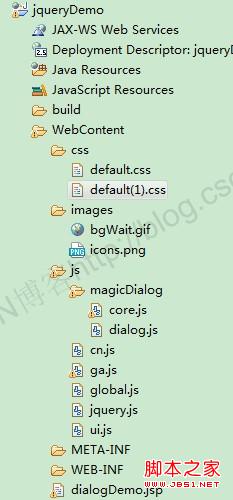
其中 css 與 images 資料夾放所需的樣式與圖片,js 資料夾則放各項腳本。別看檔案這麼多,後續還有很多功能會用到,模態提示框只是其中一個小功能(位於 magicDialog 資料夾下)。
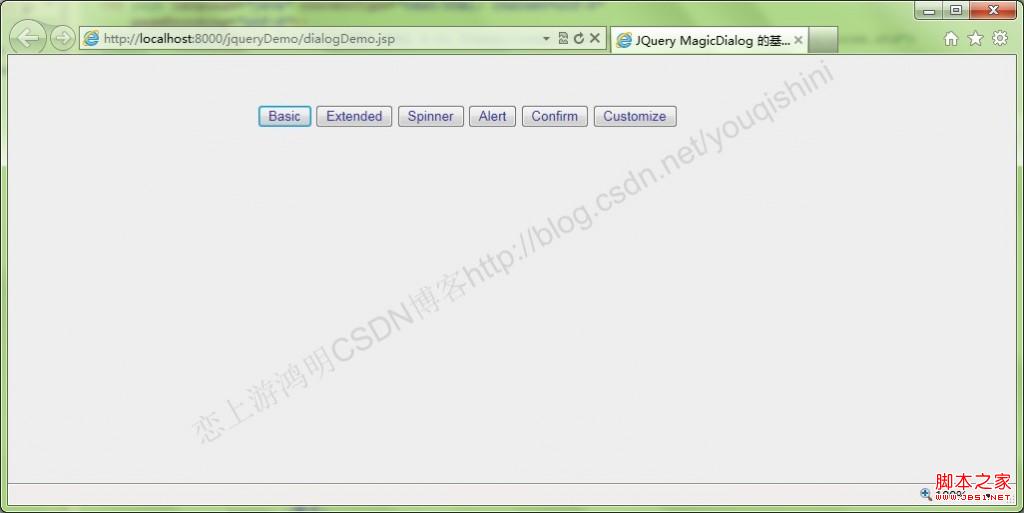
運行 dialogDemo.jsp 後,頁面提供六個按鈕,分別對應不同類型的彈窗:
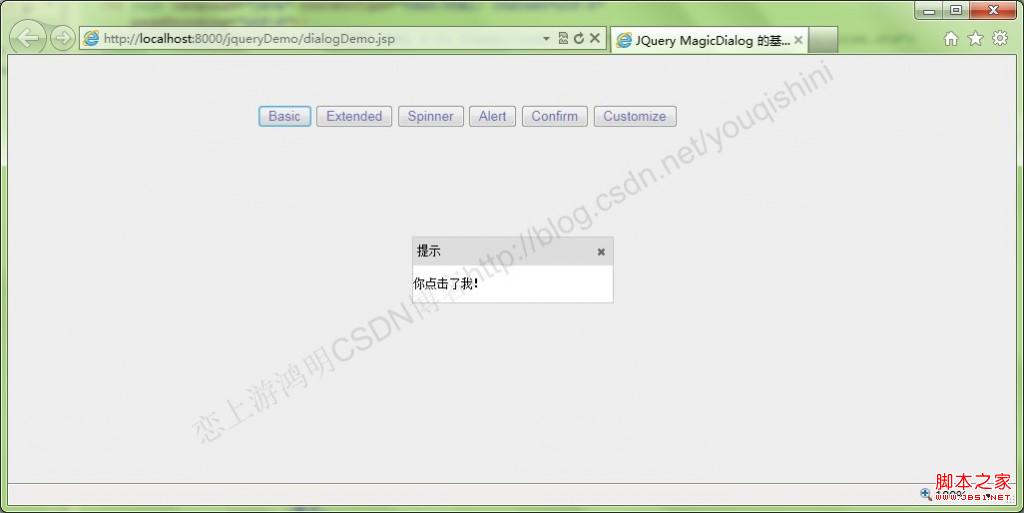
點擊「Basic」:
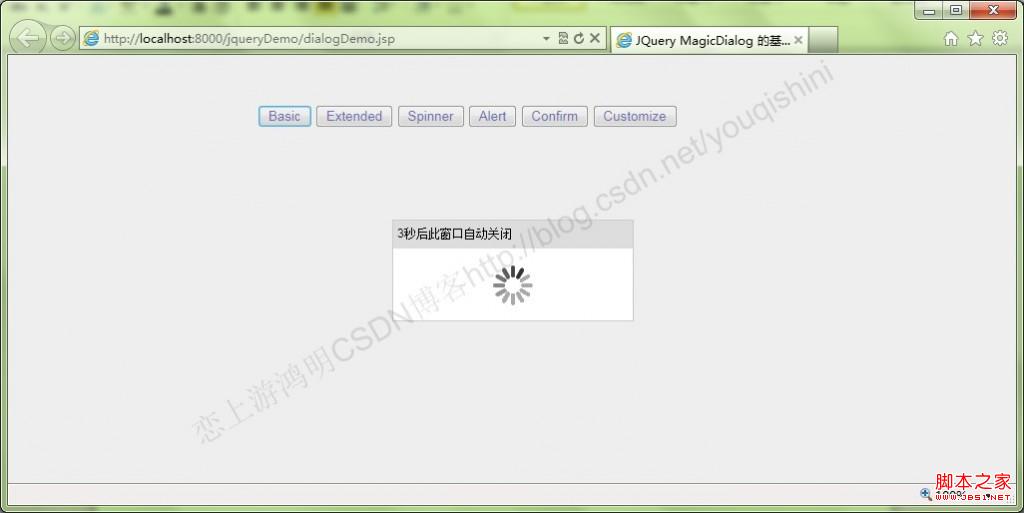
點擊「Spinner」:
點擊「Customize」:
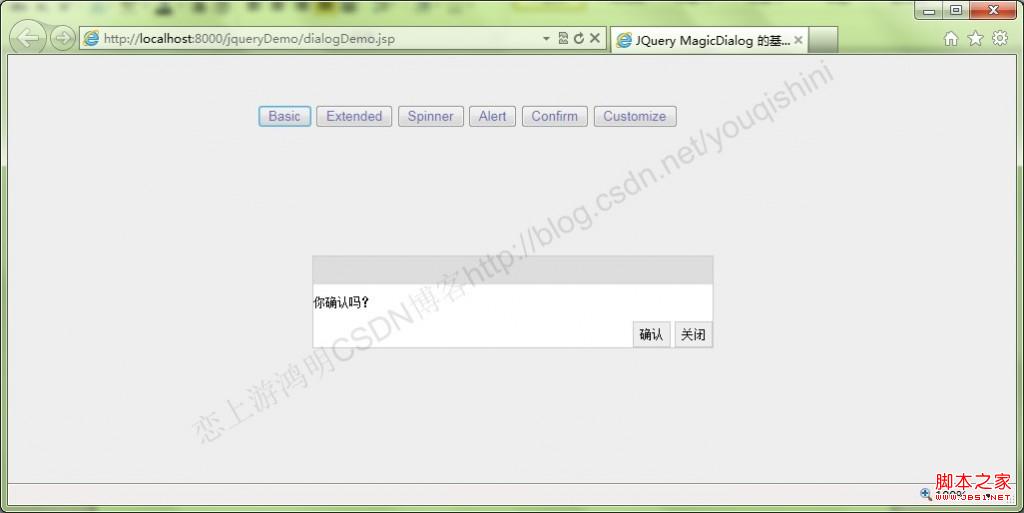
整體來說是個相當不錯的外掛,在 IE9 與 Chrome 下測試都沒問題,只不過彈窗在 Chrome 下支援拖動,在 IE9 下則不支援。有興趣的朋友可參考官方網站 https://boarsoft.com/cn/,裡面還有許多其他範例值得嘗試。