jQuery 學習筆記:用 jQuery 外掛實作多選項卡功能
編輯:JQuery特效代碼
在 Web 開發中,多選項卡(多 Tab)功能應用廣泛,像是 163 與 126 信箱就有類似設計。本文介紹一個實用外掛 jqueryMagicTabs,並附上運行效果。
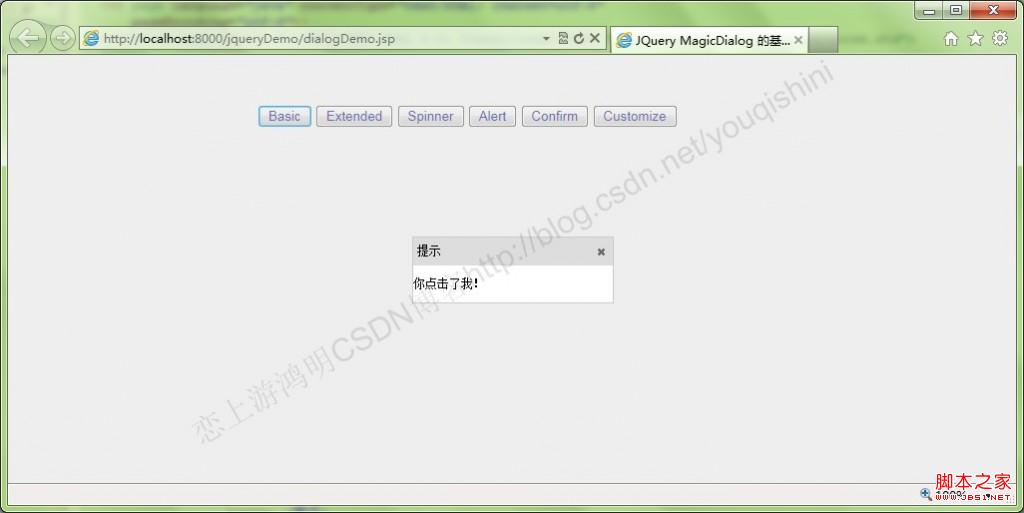
如上圖所示,它實現了基本功能:添加選項卡、選擇指定選項卡。當選項卡數量超過一定長度時,會出現左右滑動按鈕,同時也支援滑鼠滾輪滑動切換。
核心程式碼如下:
$(function(){
var dd = [], i = 0;
for(i = 0; i < 10; i++){
var a = {
code: 'tab' + i,
title: '選項卡 ' + i,
closeable: i > 0,
el: '選項卡 ' + i // You can put anything here
};
dd.push(a);
}
var tabs = $('.tabs');
tabs.mac('tabs', {
tabWidth: 80, // 使用固定寬度
items: dd,
onCloseTab: function(me, c, a){
tnCbx.find('[value=' + c + ']').remove();
return true;
}
}).selectFirst();

var thd = tabs.children('.head'), thm = thd.children('.main');
thd.mousewheel(function(e, delta, deltaX, deltaY){
thm.scrollLeft(thm.scrollLeft() - deltaY * 40);
return false;
});

// 切換選擇的選項卡
var tnCbx = $('#tabNoCbx').change(function(){
tabs.select($(this).val());
});
App.options(tnCbx, {
data: dd,
keyField: 'code',
render: function(r){ return r.title; }
});

// 添加選項卡
var atBtn = $('#addTabBtn').click(function(){
var a = tabs.addTab({
code: 'tab' + i,
title: '選項卡 ' + i,
closeable: i > 0,
el: '選項卡 ' + i
});
tabs.select('tab' + i);
tnCbx.append('<option value="tab' + i + '">選項卡 ' + i + '</option>');
i++;
});
});
頁面結構上,上方工具栏提供下拉選擇與「添加選項卡」按鈕,下方則是選項卡容器:
<div id="demo">
<div class="toolbar">
<div class="item" id="txt">請選擇:</div>
<div class="item"><select id="tabNoCbx"></select></div>
<div class="itembutton" id="addTabBtn">添加選項卡</div>
</div>
<div class="tabs" style="height: 380px; margin: 4px;"></div>
</div>
整個工程的目錄結構如下:
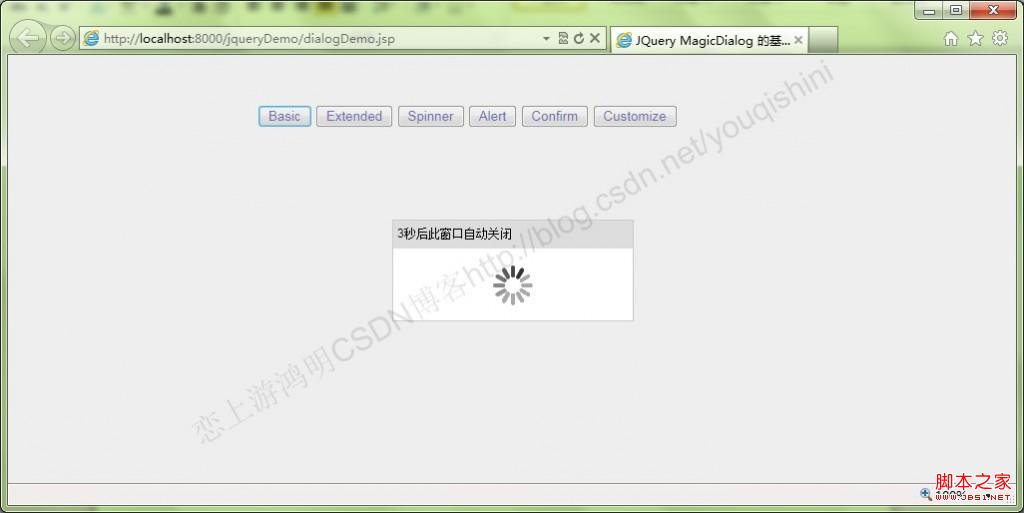
本外掛的下載位址為 https://boarsoft.com/cn/,裡面還有不少優秀外掛,有興趣的朋友可以自己動手練習。
- 上一篇文章: jQuery 學習筆記:用 jQuery 外掛實作模態提示框
- 下一篇文章: Eclipse 配置 Spket 編輯器的注意事項