微信小程序實作:仿微信漂流瓶(語音+文字雙模式)
編輯:關於JavaScript
週末想找點事做,想起微信裡有個漂流瓶,就照著敲了一版。後台直接用 LeanCloud 託管,語音檔和文字內容的儲存、查詢都交給它處理——我不太會寫後端,這對我來說算是意外的福利。
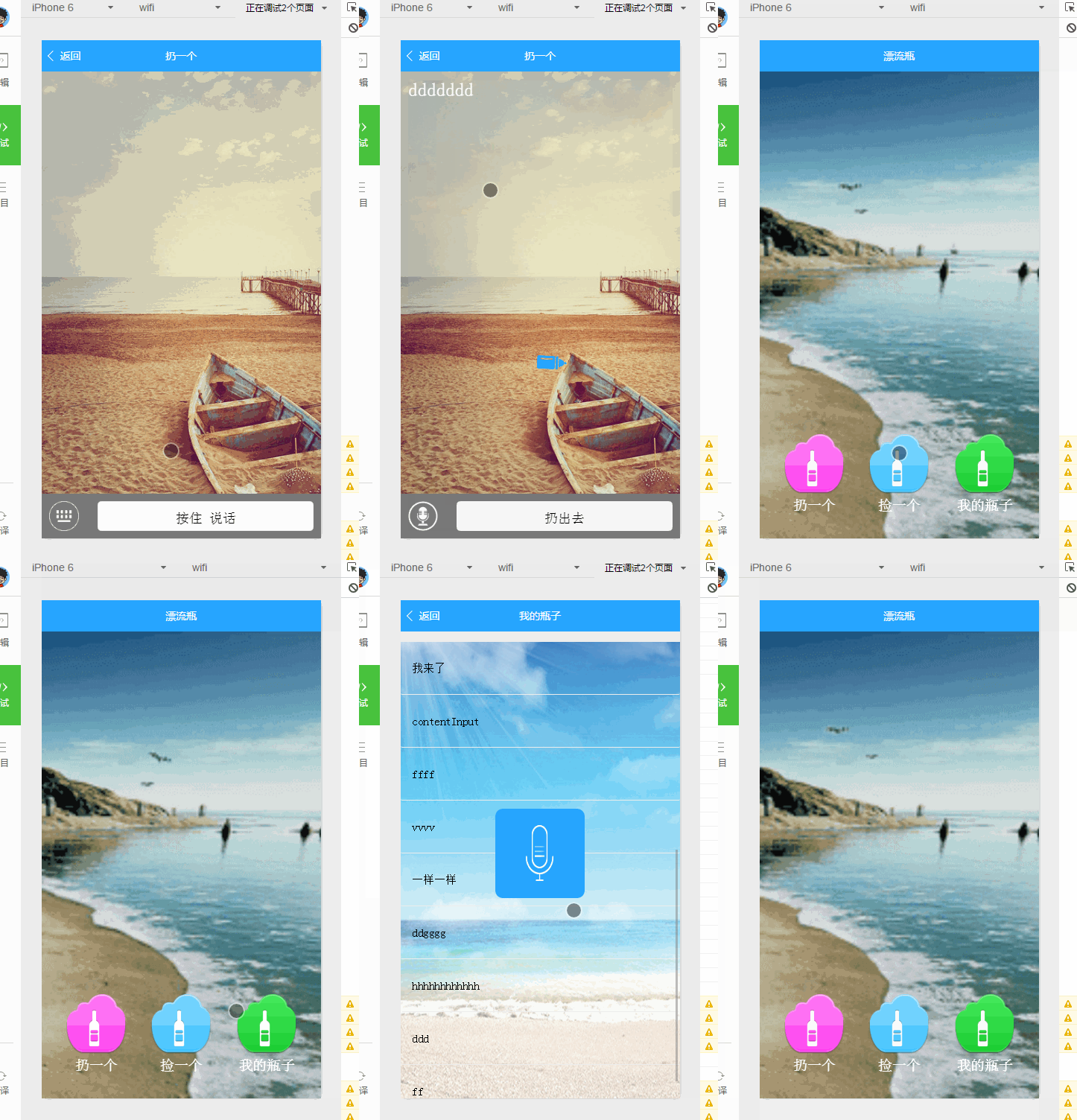
功能先看圖
主頁面
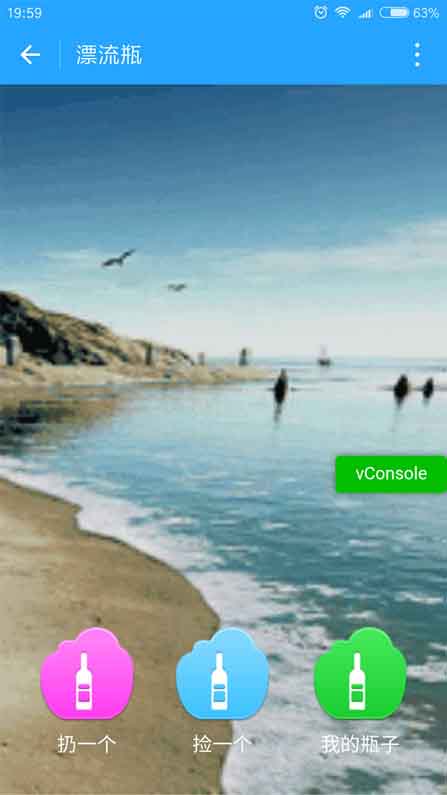
三個按鈕:撿一個、扔一個、我的瓶子。畫風就先別吐槽了。
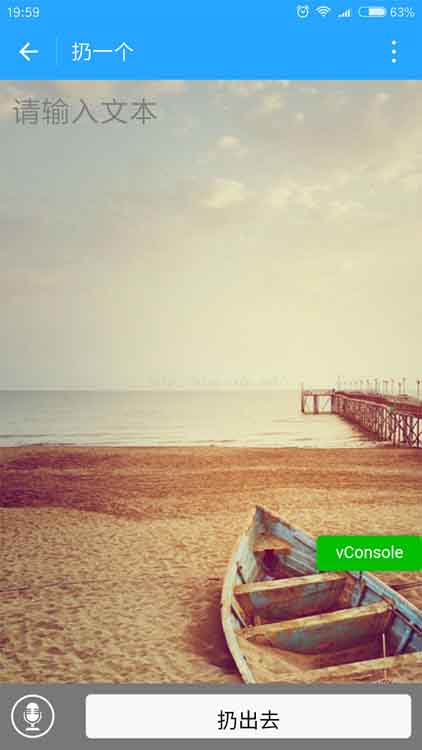
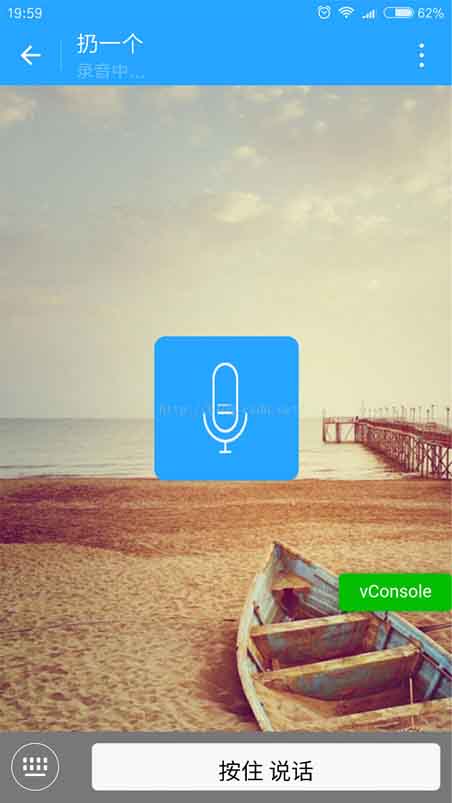
寫漂流瓶
內容語音或文字都行,可以自由切換。這張是語音模式,錄完直接扔出去。
撿一個
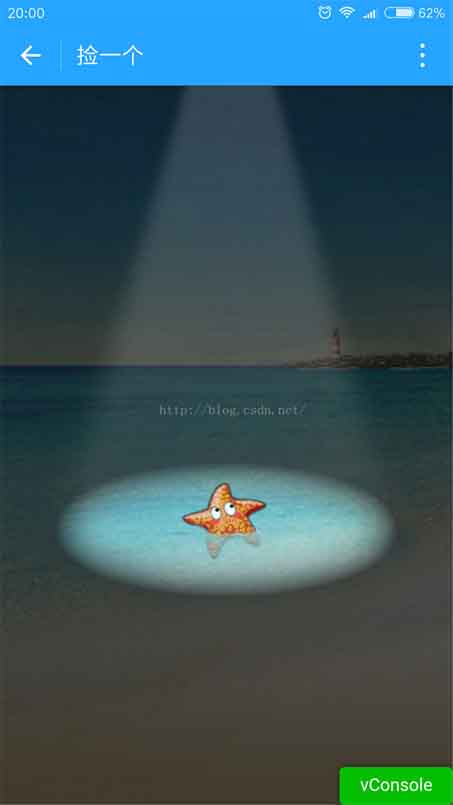
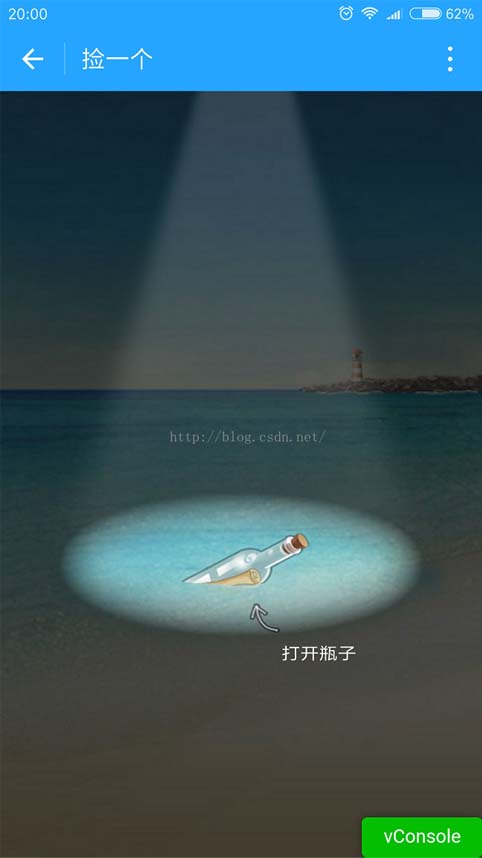
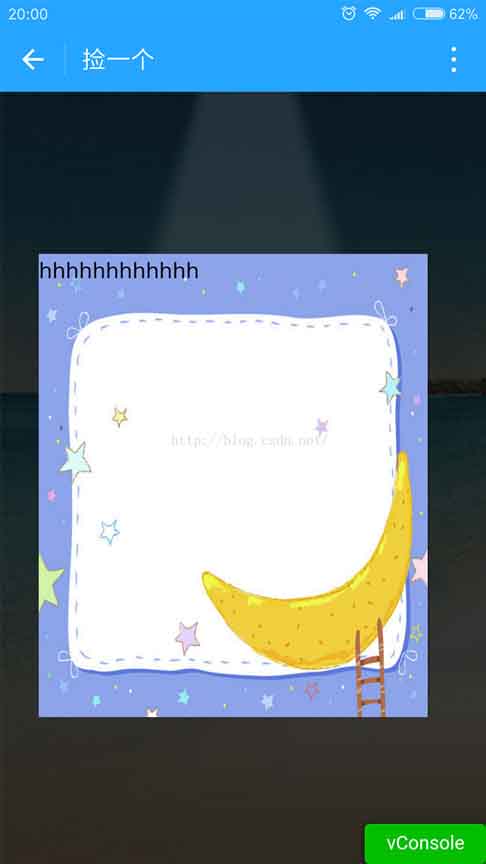
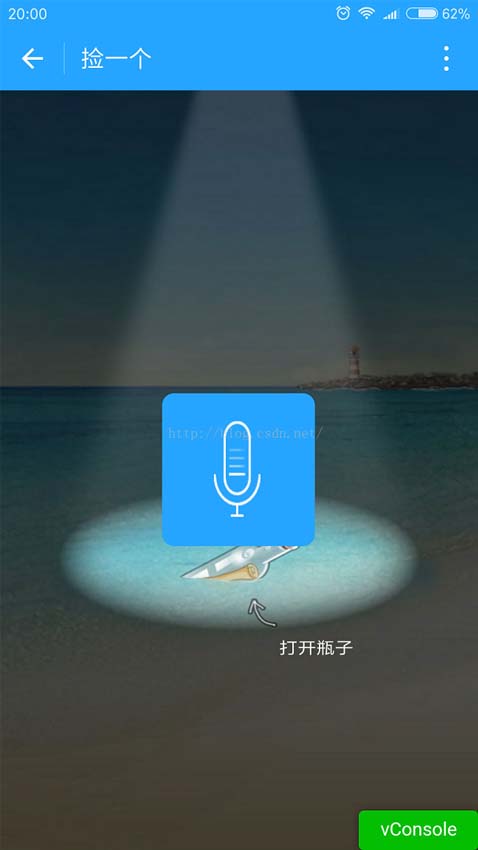
兩種結果:撿不到就是一隻海星;撿到了則可能是語音或文字。
海星:
撿到瓶子:
拿到文字時用彈窗顯示:
拿到語音則直接播放:
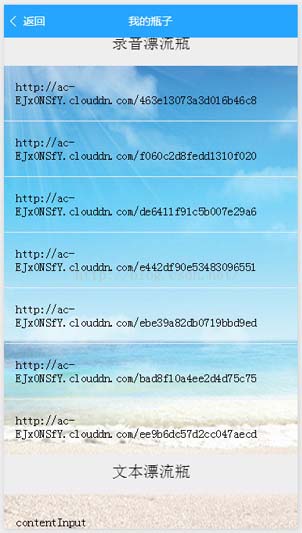
我的瓶子
語音、文字兩類分開列出。
程式碼
index.wxml
 <!--index.wxml-->
<view class="play-style">
  <view class="playstyle">
    <image class="img" src="{{getSrc}}" bindtap="get"></image>
    <text>撿一個</text>
  </view>
  <view class="leftstyle">
    <image class="img" src="{{throwSrc}}" bindtap="throw"></image>
    <text>扔一個</text>
  </view>
  <view class="rightstyle">
    <image class="img" src="{{mySrc}}" bindtap="mine"></image>
    <text>我的瓶子</text>
  </view>
</view>
index.wxss
 /**index.wxss**/
page {
  background-image: url('https://ac-nfyusptg.clouddn.com/0ee678402f996ad3a5c2.gif');
  background-attachment: fixed;
  background-repeat: no-repeat;
  background-size: cover;
}
.play-style {
  position: fixed; bottom: 50rpx; left: 0;
  height: 240rpx; width: 100%;
  text-align: center; color: #fff;
}
.playstyle { position: absolute; width: 160rpx; height: 160rpx; top: 10rpx; left: 295rpx; }
.leftstyle { position: absolute; width: 160rpx; height: 160rpx; top: 10rpx; left: 67.5rpx; }
.rightstyle { position: absolute; width: 160rpx; height: 160rpx; top: 10rpx; right: 67.5rpx; }
.img { width: 160rpx; height: 160rpx; }
index.js
首頁只負責三個跳轉,另外順手把使用者資料同步到 LeanCloud:
 //index.js
var app = getApp()
const AV = require('../../utils/av-weapp.js');
Page({
  data: {
    getSrc: "../../images/a.png",
    throwSrc: "../../images/b.png",
    mySrc: "../../images/c.png"
  },
  onLoad: function () {
    const user = AV.User.current();
    wx.getUserInfo({
      success: ({userInfo}) => {
        console.log(userInfo)
        user.set(userInfo).save().then(user => {
          this.globalData.user = user.toJSON();
        }).catch(console.error);
      }
    });
  },
  get: function () {
    wx.navigateTo({ url: '../get/get' })
  },
  throw: function () {
    wx.navigateTo({ url: '../write/write' })
  },
  mine: function () {
    wx.navigateTo({ url: '../mine/mine' })
  }
})
get.js
這一頁是重點。用 Math.random() 決定撿到瓶子還是海星,接著分別去 _File 與 TodoFolder 兩張表撈資料,塞進 plp 陣列。點擊瓶子時隨機取一筆:如果內容以 https:// 開頭就當語音播放,否則用側欄動畫滑出文字。
 //get.js
var app = getApp()
const AV = require('../../utils/av-weapp.js');
Page({
  data: {
    getPngSecond: "https://ac-ejx0nsfy.clouddn.com/6f50e35237db20a4edd6.png",
    getPngThrid: "https://ac-ejx0nsfy.clouddn.com/15070f4f33bb6090ec1b.png",
    isGet: true,
    maskDisplay: 'none', slideAnimation: {}, slideHeight: 0,
    slideRight: 0, slideWidth: 0,
    isPlaying: false, plp: [], j: 1, contentText: ''
  },
  onLoad: function () {
    var _this = this;
    wx.getSystemInfo({
      success: function (res) {
        var windowWidth = res.windowWidth;
        var windowHeight = res.windowHeight;
        _this.setData({
          imageWidth: windowWidth, imageHeight: windowHeight,
          slideHeight: res.windowHeight * 0.6,
          slideRight: res.windowWidth,
          slideWidth: res.windowWidth * 0.80
        })
      }
    })
    var num = Math.round(Math.random() * 9 + 1);
    if (num > 5) {
      this.setData({ bgPng: this.data.getPngThrid, isGet: true })
    } else {
      this.setData({ bgPng: this.data.getPngSecond, isGet: false })
    }
    var _this = this;
    var queryRecord = new AV.Query('_File');
    queryRecord.find().then(function (myrecord) {
      for (var i = 0; i < myrecord.length; i++) {
        if (myrecord[i].attributes.name == 'myRecord_dzp') {
          _this.data.plp = _this.data.plp.concat(myrecord[i].attributes.url);
        }
      }
    }).catch(function (error) { alert(JSON.stringify(error)); });
    var queryText = new AV.Query('TodoFolder');
    queryText.equalTo('name', 'myText');
    queryText.find().then(function (results) {
      for (var i = 0; i < results.length; i++) {
        var query = new AV.Query('TodoFolder');
        query.get(results[i].id).then(function (todo) {
          _this.data.plp = _this.data.plp.concat(todo.attributes.plp_content);
        }, function (error) { });
      }
    }, function (error) { });
    wx.onBackgroundAudioStop(function () {
      _this.setData({ isPlaying: false })
      clearInterval(_this.timer)
    })
  },
  onReady: function () {
    wx.setNavigationBarTitle({ title: '撿一個' })
  },
  onClick: function () {
    var _this = this;
    if (!this.data.isGet) return
    this.setData({ isGet: false })
    var index = parseInt(Math.random() * this.data.plp.length)
    var content = this.data.plp[index]
    if (content.indexOf("https://") == 0) {
      wx.playBackgroundAudio({ dataUrl: _this.data.plp[index], title: _this.data.plp[index], coverImgUrl: '' })
      playRecord.call(_this)
    } else {
      _this.setData({ contentText: content })
      slideUp.call(_this);
    }
  },
  slideCloseEvent: function () { slideDown.call(this); }
})
function slideUp() {
  var animation = wx.createAnimation({ duration: 600 });
  this.setData({ maskDisplay: 'block' });
  animation.translateX('110%').step();
  this.setData({ slideAnimation: animation.export() });
}
function slideDown() {
  var animation = wx.createAnimation({ duration: 800 });
  animation.translateX('-110%').step();
  this.setData({ slideAnimation: animation.export() });
  this.setData({ maskDisplay: 'none' });
}
function playRecord() {
  var _this = this;
  this.setData({ isPlaying: true })
  var i = 1;
  this.timer = setInterval(function () {
    i++; i = i % 5;
    _this.setData({ j: i })
  }, 200);
}
mine.js
「我的瓶子」把語音與文字分別放進兩個陣列,點文字用 wx.showModal 彈出,點語音則播放並啟動話筒幀動畫:
 //mine.js
var app = getApp()
const AV = require('../../utils/av-weapp.js');
Page({
  data: { audio: [], mytext: [], isPlaying: false },
  onLoad: function () {
    var _this = this;
    var queryRecord = new AV.Query('_File');
    queryRecord.find().then(function (myrecord) {
      for (var i = 0; i < myrecord.length; i++) {
        if (myrecord[i].attributes.name == 'myRecord_dzp') {
          _this.data.audio = _this.data.audio.concat(myrecord[i].attributes.url);
        }
      }
    }).catch(function (error) { alert(JSON.stringify(error)); });
    var queryText = new AV.Query('TodoFolder');
    queryText.equalTo('name', 'myText');
    queryText.find().then(function (results) {
      for (var i = 0; i < results.length; i++) {
        var query = new AV.Query('TodoFolder');
        query.get(results[i].id).then(function (todo) {
          _this.data.mytext = _this.data.mytext.concat(todo.attributes.plp_content);
        }, function (error) { });
      }
    }, function (error) { });
    wx.onBackgroundAudioStop(function () {
      _this.setData({ isPlaying: false })
      clearInterval(_this.timer)
    })
  },
  onReady: function () { wx.setNavigationBarTitle({ title: '我的瓶子' }) },
  gotoDisplay: function (e) {
    this.setData({ isPlaying: false })
    clearInterval(this.timer)
    var index = e.currentTarget.dataset.key;
    wx.showModal({
      title: '內容', content: this.data.mytext[index], showCancel: false,
      success: function (res) { }
    })
  },
  gotoPlay: function (e) {
    var index = e.currentTarget.dataset.key;
    playRecord.call(this)
    wx.playBackgroundAudio({ dataUrl: this.data.audio[index], title: this.data.audio[index], coverImgUrl: '' })
  }
})
function playRecord() {
  var _this = this;
  this.setData({ isPlaying: true })
  var i = 1;
  this.timer = setInterval(function () {
    i++; i = i % 5;
    _this.setData({ j: i })
  }, 200);
}
資料的增刪改查細節直接看 LeanCloud 官方文件即可。Demo 已附在原文下載處。
要注意的是這版還很粗糙:撿取邏輯純隨機、沒有做已撿過的排除、也沒有敏感詞過濾,正式上線前這些都得補。歡迎交流改進。
- 上一篇文章: 部落格目錄自動生成實作詳解:從抓取標題到滾輪同步高亮
- 下一篇文章: 用 JS 辨識訪客是手機還是平板:userAgent 判斷完整範例