jQuery animate() 的七種用法與易踩的坑
編輯:JQuery入門技巧
語法結構
animate(params, speed, callback)
params:包含樣式屬性與目標值的對應,如 {key1:value1, key2:value2};speed: duration,可選;callback:動畫結束後執行的函式,可選。
一、最簡單的動畫
點擊一個方塊,讓它橫向移動。
<style>
  #cube {
    position: relative; /* 這行不能省,否則元素不會動 */
    width: 30px; height: 30px; background: red; cursor: pointer;
  }
</style>

<div><div id="cube"></div></div>

<script>
$(function () {
    $("#cube").click(function () {
        $(this).animate({ left: "100px" }, 2000);
    });
});
</script>
要改 top / right / bottom / left,必須先宣告元素的 position——這是最常見的「動畫沒反應」原因。
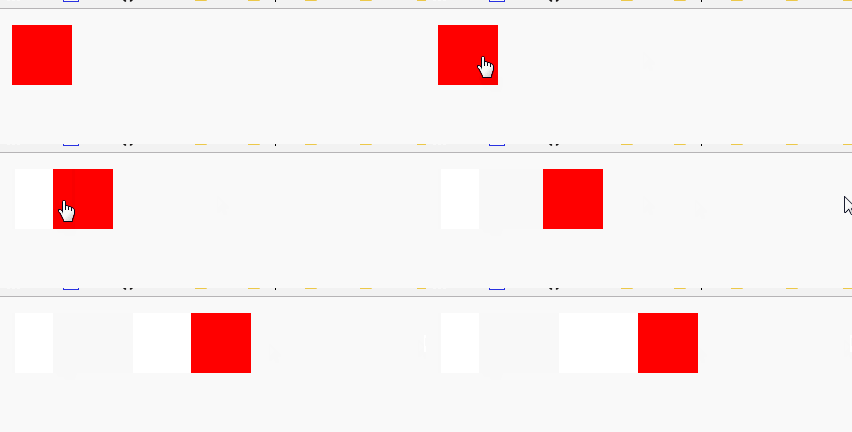
演示效果
二、累加與累減
把目標值寫成 {left:"+=25px"},就是相對當下位置位移,而非跳到絕對座標。

演示效果
三、多重屬性同時動
$(this).animate({ left: "+=25px", height: "+=20px" }, 1000);
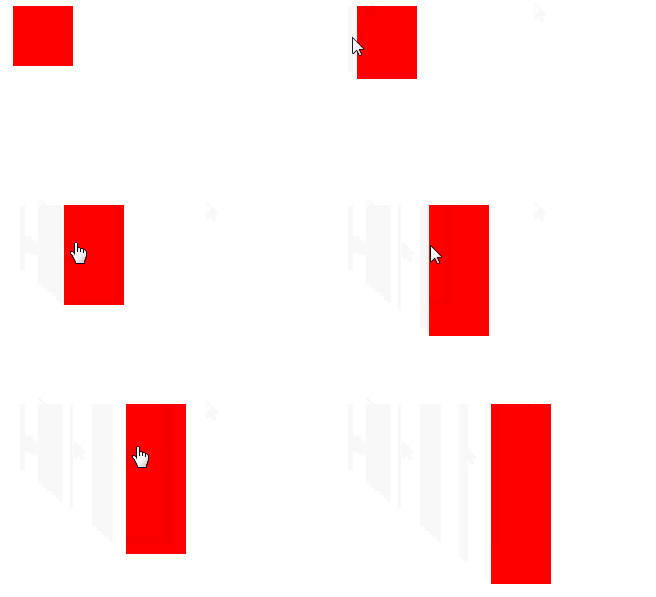
演示效果
四、依序執行(動畫佇列)
若希望先右移、再變高,只要把 animate 串接起來即可:
$(this).animate({ left: "+=25px" }, 500)
       .animate({ height: "+=20px" }, 500);
這種有先後順序的執行方式稱為「動畫佇列」。
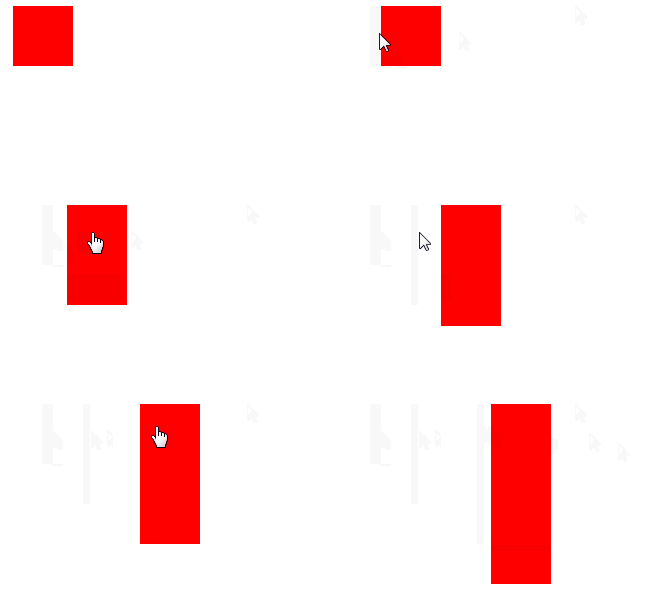
演示效果
五、綜合範例
點擊方塊:右移並增高、透明度由 0.5 補到 1,接著下移並加寬,最後淡出。
$("#cube").click(function () {
    $(this).animate({ left: "100px", height: "100px", opacity: "1" }, 500)
           .animate({ top: "40px", width: "100px" }, 500)
           .fadeOut('slow');
});
對同一元素套用多重效果時,用鏈式呼叫讓它們排入佇列。
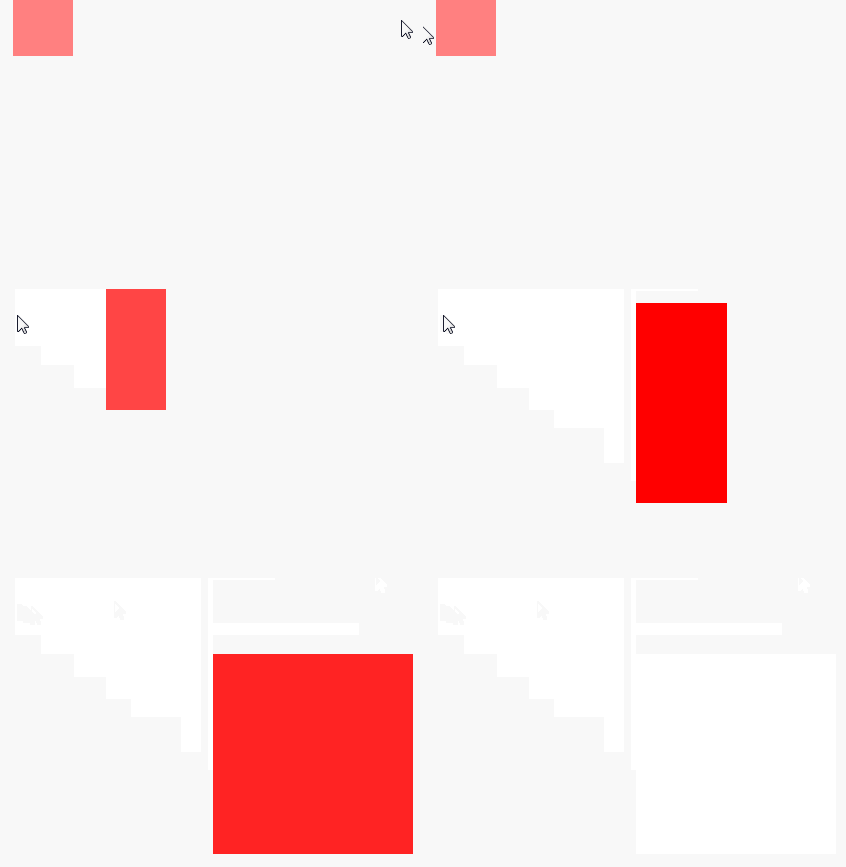
演示效果
六、callback 與「非動畫方法不排隊」的陷阱
想在最後一步換成藍色邊框而不是淡出,直覺寫法如下:
$("#cube").click(function () {
    $(this).animate({ left: "100px", height: "100px", opacity: "1" }, 500)
           .animate({ top: "40px", width: "100px" }, 500)
           .css("border", "5px solid blue");   // 問題在這行
});
結果邊框在動畫還沒開始時就變了。原因是 css() 不屬於動畫方法,不會進入佇列,而是立刻執行。
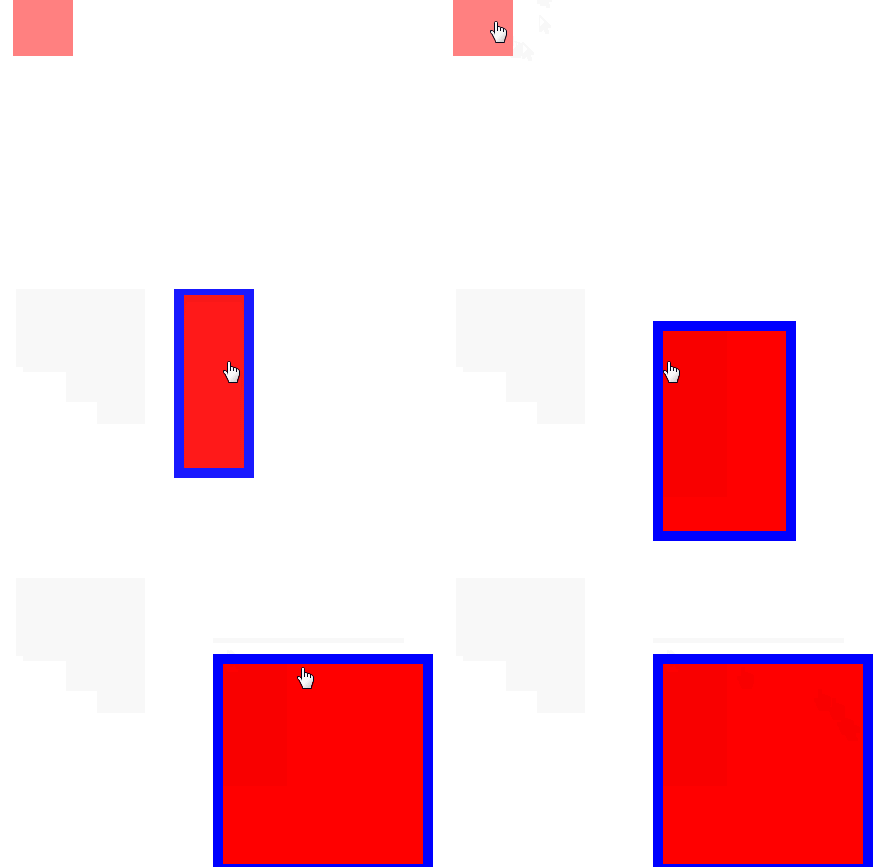
演示效果
解法是把它放進前一個動畫的 callback:
$("#cube").click(function () {
    $(this).animate({ left: "100px", height: "100px", opacity: "1" }, 500)
           .animate({ top: "40px", width: "100px" }, 500, function () {
               $(this).css("border", "5px solid blue");
           });
});
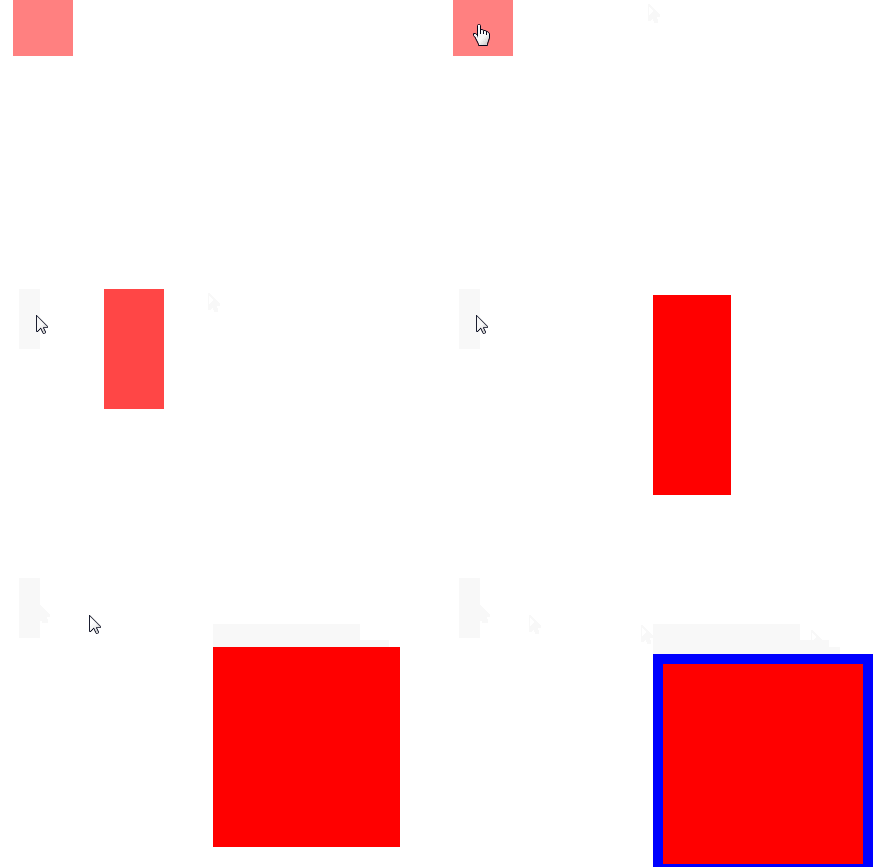
演示效果
七、callback 的通用性
callback 參數適用於 jQuery 所有的動畫方法,slideDown()、show()、fadeIn() 等都吃同樣的第三個參數。另外若要在動畫中途停止,用 .stop();要避免多個動畫堆疊造成抖動,滑鼠移入移出類的效果建議寫成 .stop(true).animate(...)。
- 上一篇文章: No
- 下一篇文章: jQuery trigger() 用法淺析:模擬事件、自訂事件與資料傳遞
熱門推薦