JavaScript 運動效果兩個實戰案例:輪播與浮動視窗
編輯:關於JavaScript
這裡用兩個小案例說明 JavaScript 動畫(俗稱「運動」)怎麼寫:一個是自動輪播,一個是右下角彈出的浮動視窗。兩者都建立在 move.js 這個運動框架的 startMove 函式之上。
應用一:自動輪播
點擊下方指示器可跳到對應畫面,滑鼠移入暫停自動播放,移出後恢復。

 <script src="move.js"></script>
<script>
window.onload=function ()
{
    var oDiv=document.getElementById('play');
    var aBtn=oDiv.getElementsByTagName('ol')[0].getElementsByTagName('li');
    var oUl=oDiv.getElementsByTagName('ul')[0];
    var now=0;

    for(var i=0;i<aBtn.length;i++)
    {
        aBtn[i].index=i;
        aBtn[i].onclick=function ()
        {
            now=this.index;
            tab();
        };
    }

    function tab()
    {
        for(var i=0;i<aBtn.length;i++)
        {
            aBtn[i].className='';
        }
        aBtn[now].className='active';
        startMove(oUl, {top: -150*now});
    }

    function next()
    {
        now++;
        if(now==aBtn.length){now=0;}
        tab();
    }

    var timer=setInterval(next, 2000);

    oDiv.onmouseover=function (){clearInterval(timer);};
    oDiv.onmouseout=function (){timer=setInterval(next, 2000);};
};
</script>
這裡有兩個值得學的技巧:一是用 aBtn[i].index=i 把索引掛在元素上,避免閉包取值的陷阱;二是輪播的本質其實是「讓 ul 的 top 移動到 -150 × n」,動畫只是把這個位移變得平滑。
應用二:右下角浮動視窗
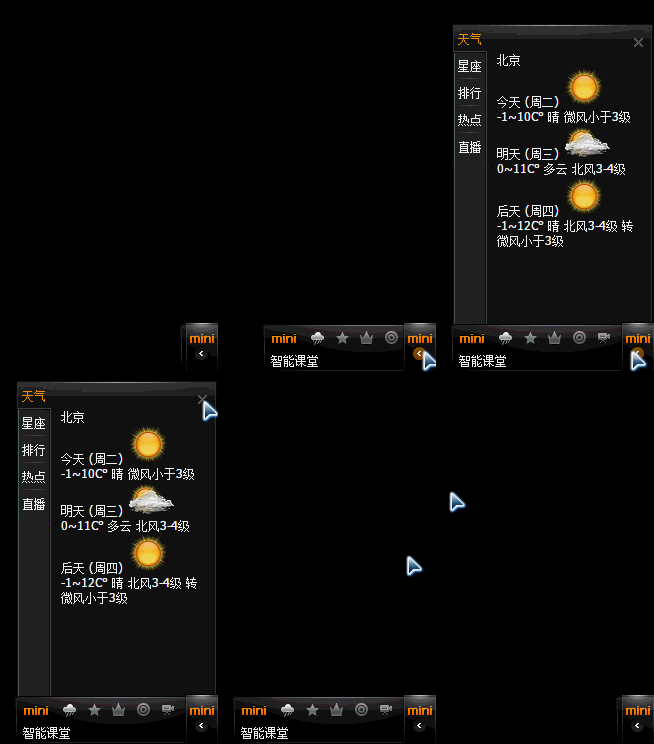
點擊按鈕後視窗滑出,再點一次收起,且開關按鈕會互相切換。
 <!DOCTYPE html>
<html>
<head>
<meta http-equiv="Content-Type" content="text/html; charset=utf-8" />
<title>無標題文檔</title>
<style type="text/css">
.....
</style>
<script type="text/javascript" src="move.js"></script>
<script type="text/javascript">
window.onload=function ()
{
    var oBtn=document.getElementById('but');
    var oBottom=document.getElementById('zns_bottom');
    var oBox=document.getElementById('zns_box');
    var oBtnClose=document.getElementById('btn_close');

    oBox.style.display='block';
    var initBottomRight=parseInt(getStyle(oBottom, 'right'));
    var initBoxBottom=parseInt(getStyle(oBox, 'bottom'));
    oBox.style.display='none';

    oBtn.onclick=openHandler;
    oBtnClose.onclick=closeHandler;

    function openHandler()
    {
        startMove(oBottom, {right: 0}, function (){
            oBox.style.display='block';
            startMove(oBox, {bottom: 0});
        });
        oBtn.className='but_hide';
        oBtn.onclick=closeHandler;
    }

    function closeHandler()
    {
        startMove(oBox, {bottom: initBoxBottom}, function (){
            oBox.style.display='none';
            startMove(oBottom, {right: initBottomRight}, function (){
                oBtn.className='but_show';
            });
        });
        oBtn.onclick=openHandler;
    }
};
</script>
</head>
<body>
......
</body>
</html>
這個案例的重點是鏈式運動:startMove 的第三個參數是完成後的 callback,於是可以做到「先滑出面板、面板完全顯示後再滑出內容框」這種序列動畫。另外注意初始化時先把元素設為 display:block 讀取定位值、再隱藏起來,這是因為隱藏元素的 offset 值取不到。
兩個案例合起來,基本涵蓋了日常動畫開發最常見的兩種需求:定時切換與序列展開。